Prompt Receiptwarm isle Ideas that grow in the everyday
Inspiration Space Everything worth reading, together.
THE ARTICLE ARCHIVE

Everything worth reading, together.

News, tutorials, notes and observations. Find 20 stories worth your time right now.

Found 20 stories
How I Describe Materials Without Writing a Novel
灵感· 10.07

How I Describe Materials Without Writing a Novel

Lengthy material descriptions in AI image prompts often cause models to average competing signals and drift toward common averages. Instead, use a concise three-part formula: base material, finish or texture, and a clear exclusion of common failure modes (e.g., "no plastic sheen"). Placed early in the prompt, these short, high-priority descriptors lock in accurate textures and withstand subsequent lighting or angle adjustments.

20 min
Thirty Failed Generations and One Useful Lesson About Composition
灵感· 10.07

Thirty Failed Generations and One Useful Lesson About Composition

Generating a product in AI image models often leads to compositional drift when soft layout words are used. By replacing vague terms with strict constraint-based rules—such as fixed camera heights and precise object placement—designers can ensure layout consistency across multiple frames. Testing composition before chasing material or lighting details saves time and eliminates wasted generations.

20 min
My Workflow for Turning a Client’s Bad Reference Image Into a Better Direction
灵感· 10.06

My Workflow for Turning a Client’s Bad Reference Image Into a Better Direction

When clients provide messy or technically flawed reference images, trying to replicate them directly leads to AI generation failures. Instead, creators should use a systematic workflow: separate the client's emotional feedback from technical flaws, lock in accurate product geometry as a source of truth, translate useful vibes into constraints, and build structured prompts that ensure consistent, high-quality commercial results.

20 min
Which AI Image Tool Handles Product Background Changes Best?
灵感· 10.06

Which AI Image Tool Handles Product Background Changes Best?

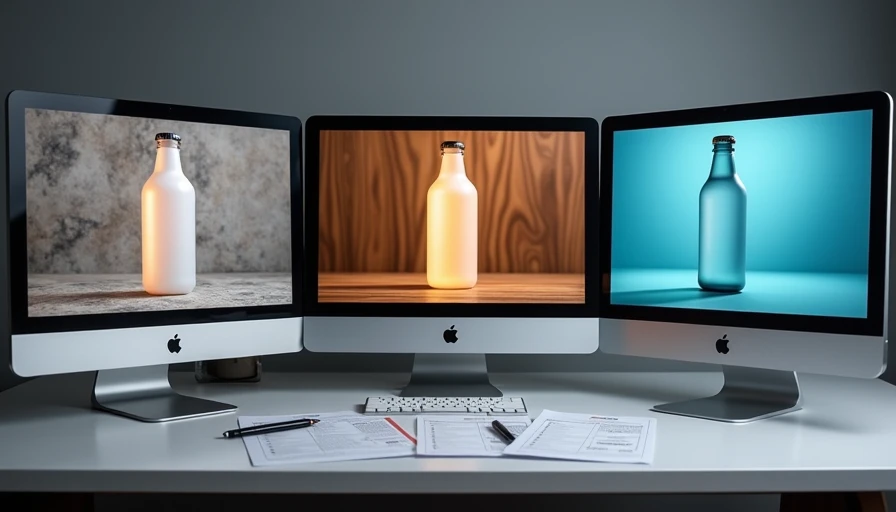
Testing Midjourney, Flux, and Stable Diffusion reveals how well each AI tool handles product background changes while maintaining object consistency. By evaluating forty generations per model on a frosted glass bottle across five distinct surfaces, Flux delivered the highest yield of product-stable frames. Midjourney produced superior aesthetics with higher drift, while Stable Diffusion required strict workflow discipline to achieve reliable results.

20 min
A Practical Method for Controlling Camera Angle and Crop
灵感· 10.05

A Practical Method for Controlling Camera Angle and Crop

Soft camera language in AI prompts causes compositional drift, ruining multi-image commercial sets. By replacing vague terms with three hard constraints—a height landmark relative to the product, a clear directional angle, and an explicit framing rule—creators can lock the viewpoint. Stress-testing these rules in a small grid before full generation prevents wasted batches and ensures assets survive strict crop requirements.

20 min
The Tool Update That Added Features and Cost Me Time
灵感· 10.05

The Tool Update That Added Features and Cost Me Time

Upgrading AI image tools mid-project often breaks established workflows because new releases silently alter how prompts are weighted. A major tool update promised better consistency but instead invalidated previous material responses and camera constraints, costing hours in unexpected re-calibration. To avoid this hidden cost, creators must run controlled comparative tests on non-urgent briefs before adopting updates for live client deliverables.

20 min