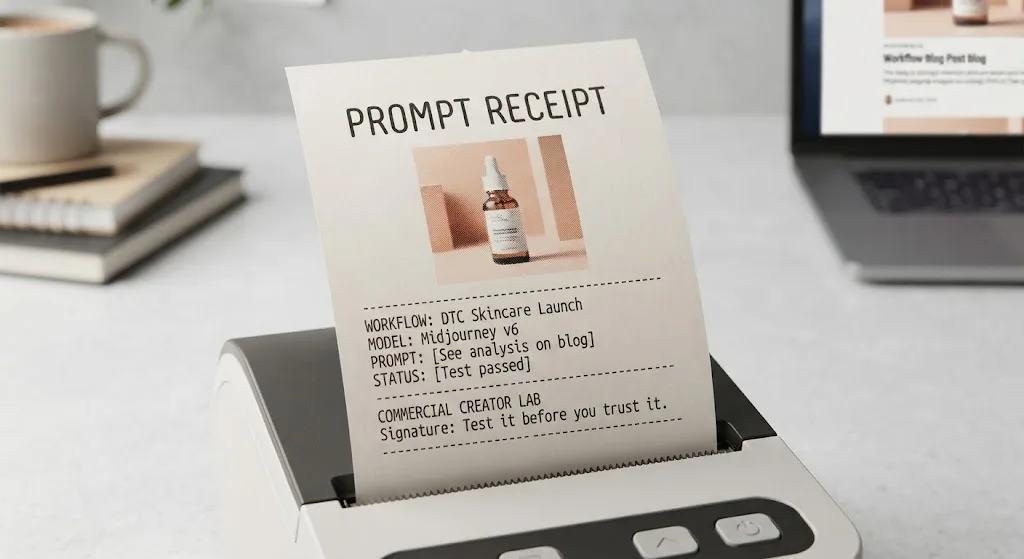
The best ai image prompts give the generator a job, not just a mood. Name the subject, describe the composition and lighting, and state the constraints that matter to the finished asset. Then generate a small batch and change one variable at a time. A beautiful image that leaves no room for the headline is still a miss.
Start with the deliverable rather than a pile of style adjectives. A product hero needs different instructions from a campaign moodboard: one may need a recognizable package and clean copy space, while the other can trade precision for atmosphere. The examples below are illustrative starting points, not claims of verified output. Test them in your chosen tool before promising a result to a client.
Build a prompt around the brief
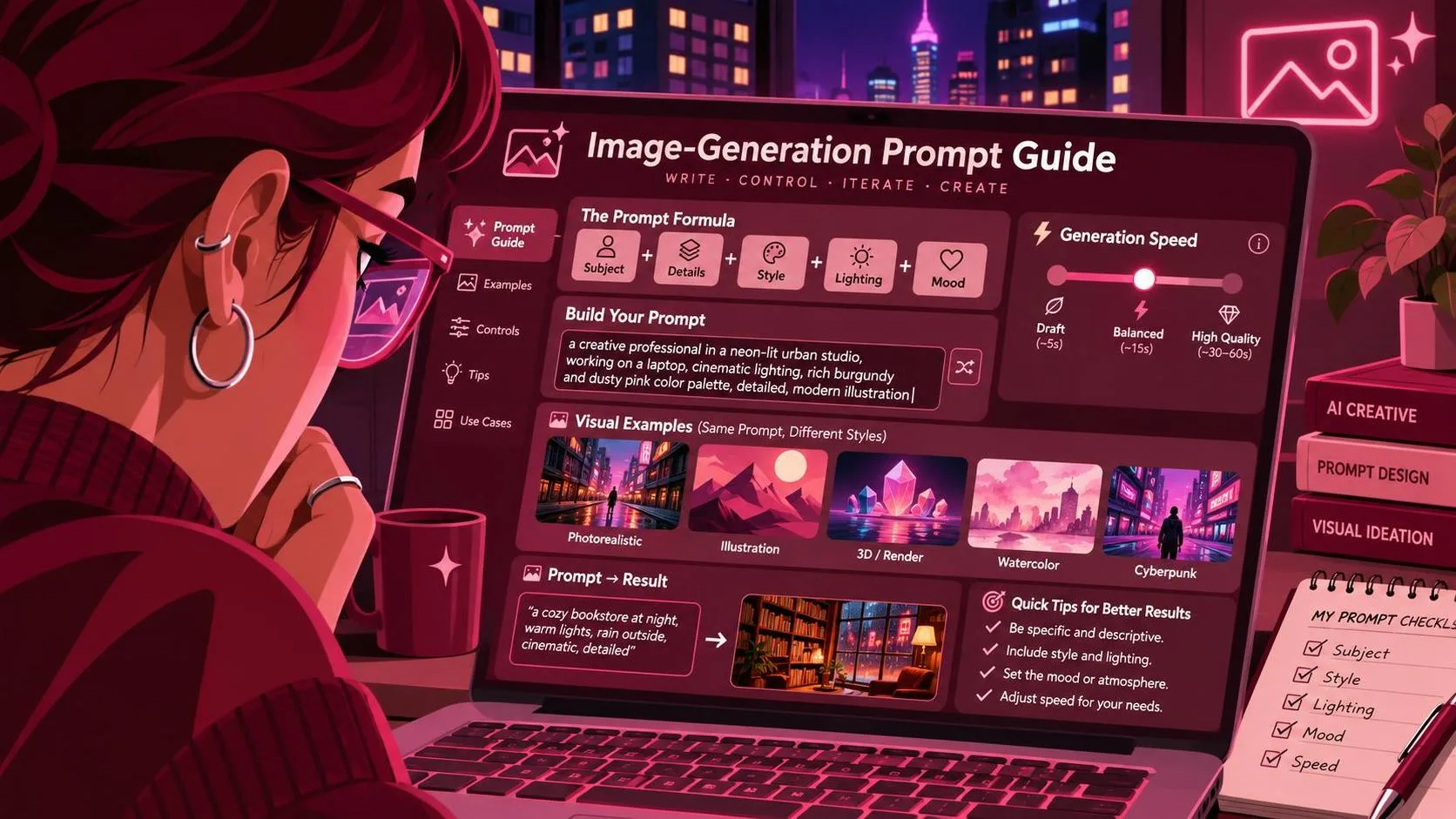
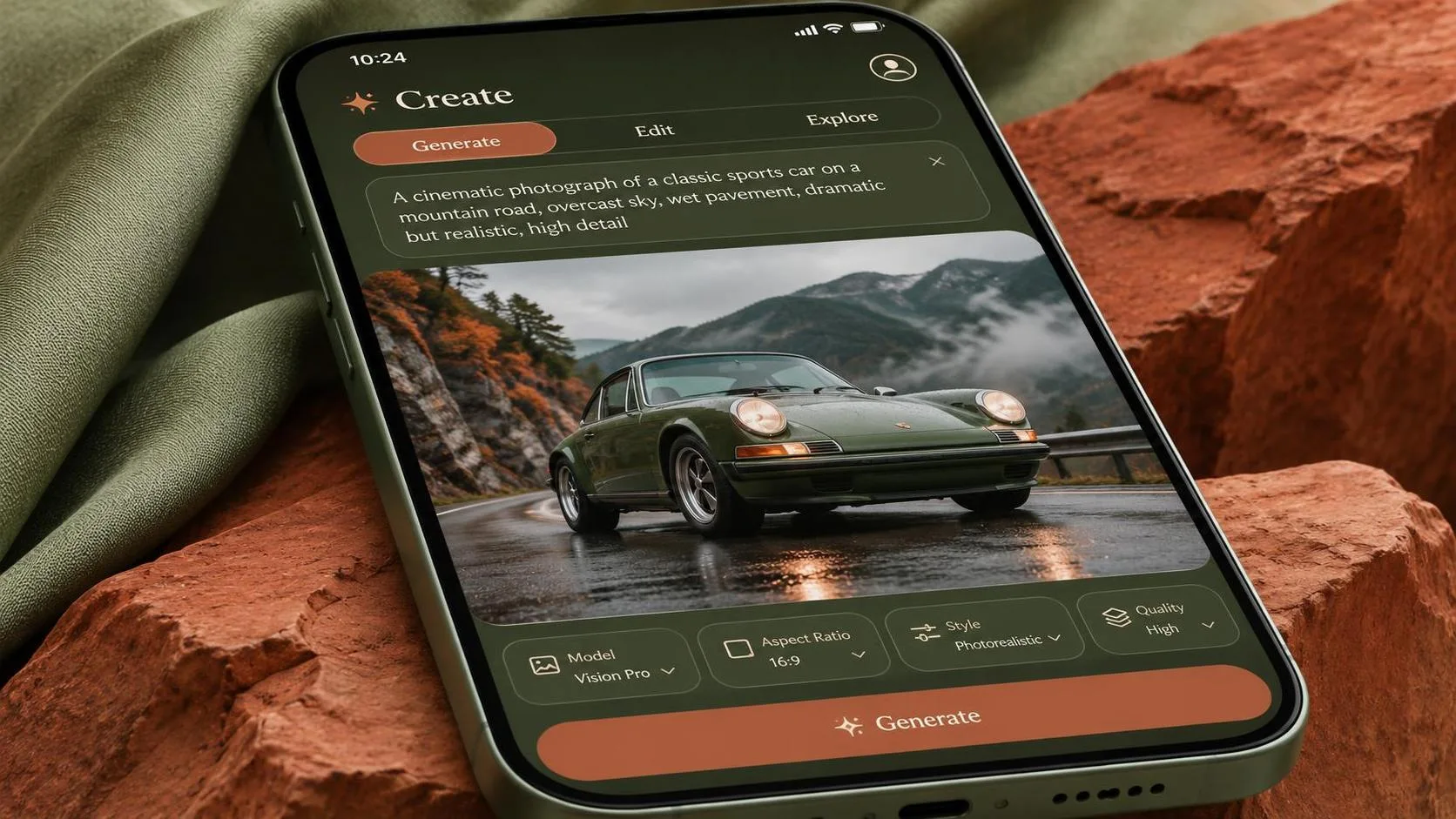
Useful ai image prompts usually specify five things: subject, setting, composition, light, and purpose. You can write them in plain language; there is no universal magic syntax. This starter is for a fictional product concept, not a finished packshot:
“Create a square product-ad concept featuring an unbranded amber glass bottle on a pale stone surface. Place the bottle in the right third of the frame, with open space on the left for a headline. Use soft window light from the upper left, subtle shadows, and a restrained warm-neutral palette. No people or additional objects.”
Each detail has a job. The right-third placement protects the copy area. The light direction gives the image a coherent starting point. Removing extra objects reduces competition with the bottle. If the brand needs a specific package, supply an approved reference where the tool supports it, and check whether the shape, cap, and label remain accurate.
Avoid asking for “premium, stunning, cinematic, beautiful” without explaining what those words mean visually. Replace them with decisions a reviewer can assess: a low camera angle, soft side light, a charcoal background, or space for a two-line headline.
Write ai image prompts for specific production jobs
For an e-commerce background, keep the actual product separate when accuracy matters. Generate a setting that can accommodate an existing product photograph, then composite the approved image into it:
“Create a vertical background for a skincare product advertisement. A clean limestone ledge occupies the lower third, with a warm beige wall behind it and soft daylight entering from the left. Leave the center of the ledge clear for a product photograph. No bottles, text, logos, or hands.”
The empty ledge is the important instruction. The image still needs a practical check: does the photographed product have compatible lighting, perspective, and shadow? If not, adjust the background or shoot a better source image rather than hiding the mismatch with more adjectives.
For a social campaign concept, ask for the layout and the visual idea together:
“Create a vertical concept for a running-shoe promotion. Show a single unbranded running shoe on a dark track at dawn, viewed from a low three-quarter angle. Use a cool blue-gray palette with one warm rim light. Leave the upper third visually quiet for a headline to be added later. No visible logos or written words.”
This is useful for exploring a direction, not representing a specific shoe accurately. Add final typography in a design application, and use approved product photography when identifiable details matter. A generator can make an attractive shoe that is entirely wrong for the brief.
For a moodboard, request a scene rather than a finished ad: “A sunlit kitchen workspace, natural oak surfaces, linen texture, muted olive and cream palette, editorial photography, no text.” Generate a few interpretations, then discuss which lighting, materials, and colors should carry into the actual production. The moodboard is a decision aid, not evidence that the final asset is ready.
Revise ai image prompts without losing the useful parts
Treat each batch as an experiment. Record the tool and model, the exact prompt, the aspect ratio, the reference images, and any settings you changed. Save the outputs alongside the brief. If a client asks for a revision later, that record is more useful than trying to remember which version had the good shadows.
Start with four candidates, if your tool and budget allow. Pick the strongest composition, then make one deliberate change: move the subject, soften the light, or simplify the background. Changing all three at once makes it harder to tell what helped. Four is a practical starting batch, not a guarantee that one image will work.
When the subject keeps landing in the center, make the layout instruction more concrete: “Bottle on the right, occupying the right third; empty pale wall on the left.” If the model still ignores it, generate a wider scene and crop, use a supported editing or masking feature, or build the layout manually. Prompt wording is one control, not a substitute for an art director’s toolkit.
When the scene looks good but the product changes shape, stop adding style terms. Try an approved reference or composite the real item into the generated environment. When a hand interacts awkwardly with a product, consider reframing to avoid the interaction or using a photograph. The demo can look great while the deliverable remains unusable.
Check the image against the actual delivery
Before sharing ai image prompts or outputs with a client, inspect at the intended size and crop. Look for altered packaging, extra fingers, implausible reflections, accidental marks, and background details that distract from the message. Place the real headline and call to action over the image; apparent empty space can disappear quickly once a mobile crop is applied.
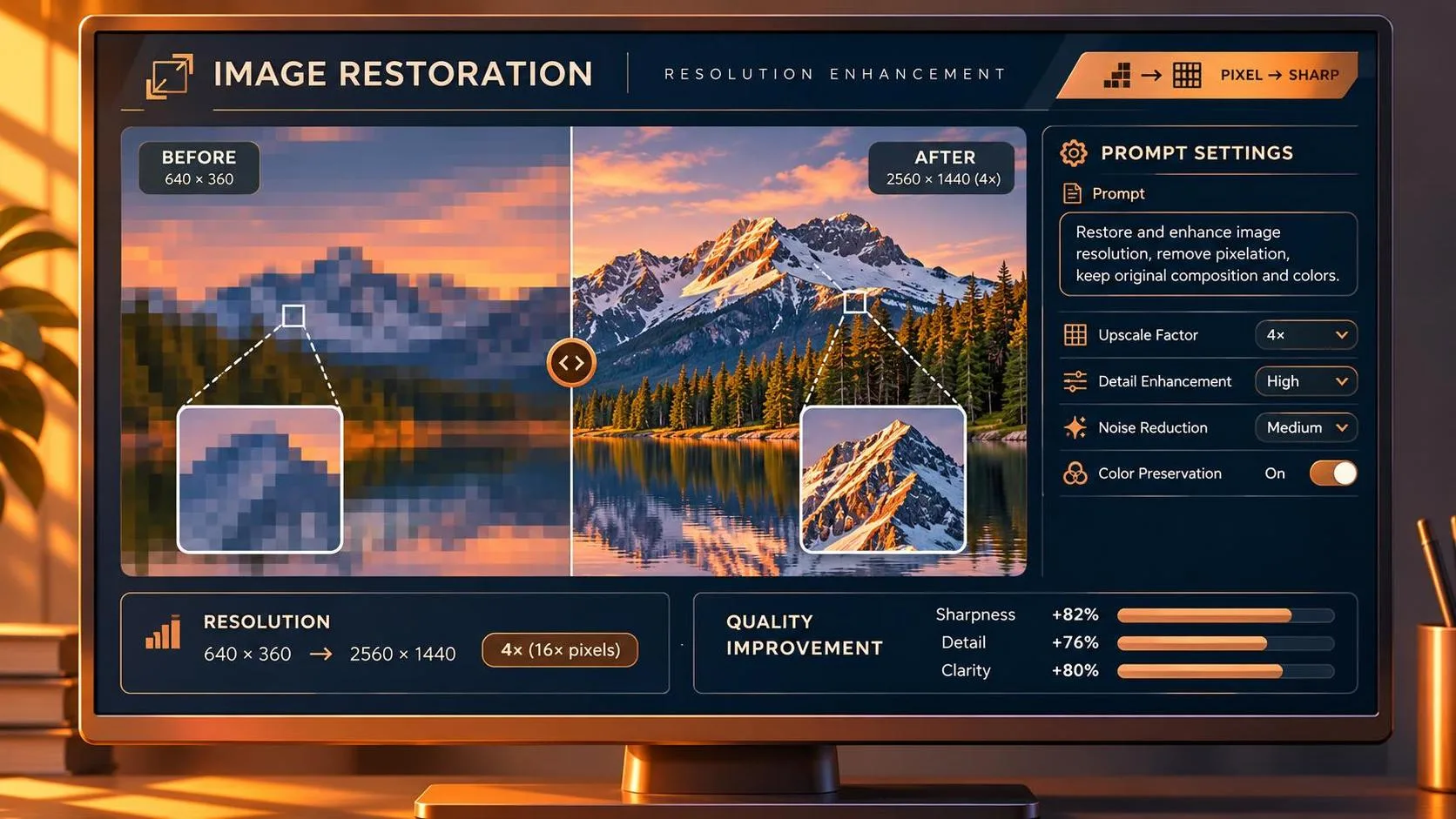
Confirm the required dimensions and whether the generated file has enough usable detail for the placement. Upscaling can increase pixel dimensions, but it cannot reliably restore a missing label or make an invented product claim accurate. For print, review the image in the production workflow rather than assuming a screen preview is sufficient.
Finally, check the tool’s applicable commercial-use terms and your client’s rules for references, confidential assets, and AI disclosure. Don’t upload a private product image or unreleased campaign material unless you have permission and understand how the service handles it. Keep the approved source files and generation record with the project.
The practical goal is not to write the longest prompt. It is to get to an image the team can evaluate, revise, and deliver without a surprise at the end. Test it before you trust it.
For AI tool features, rules and availability, refer to their official sites.
Leave your thoughts here, too.