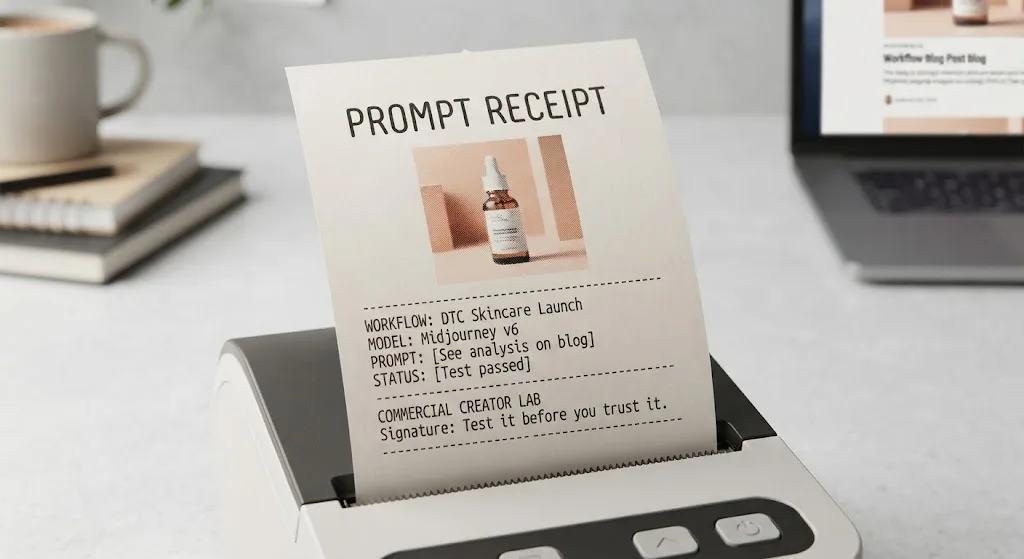
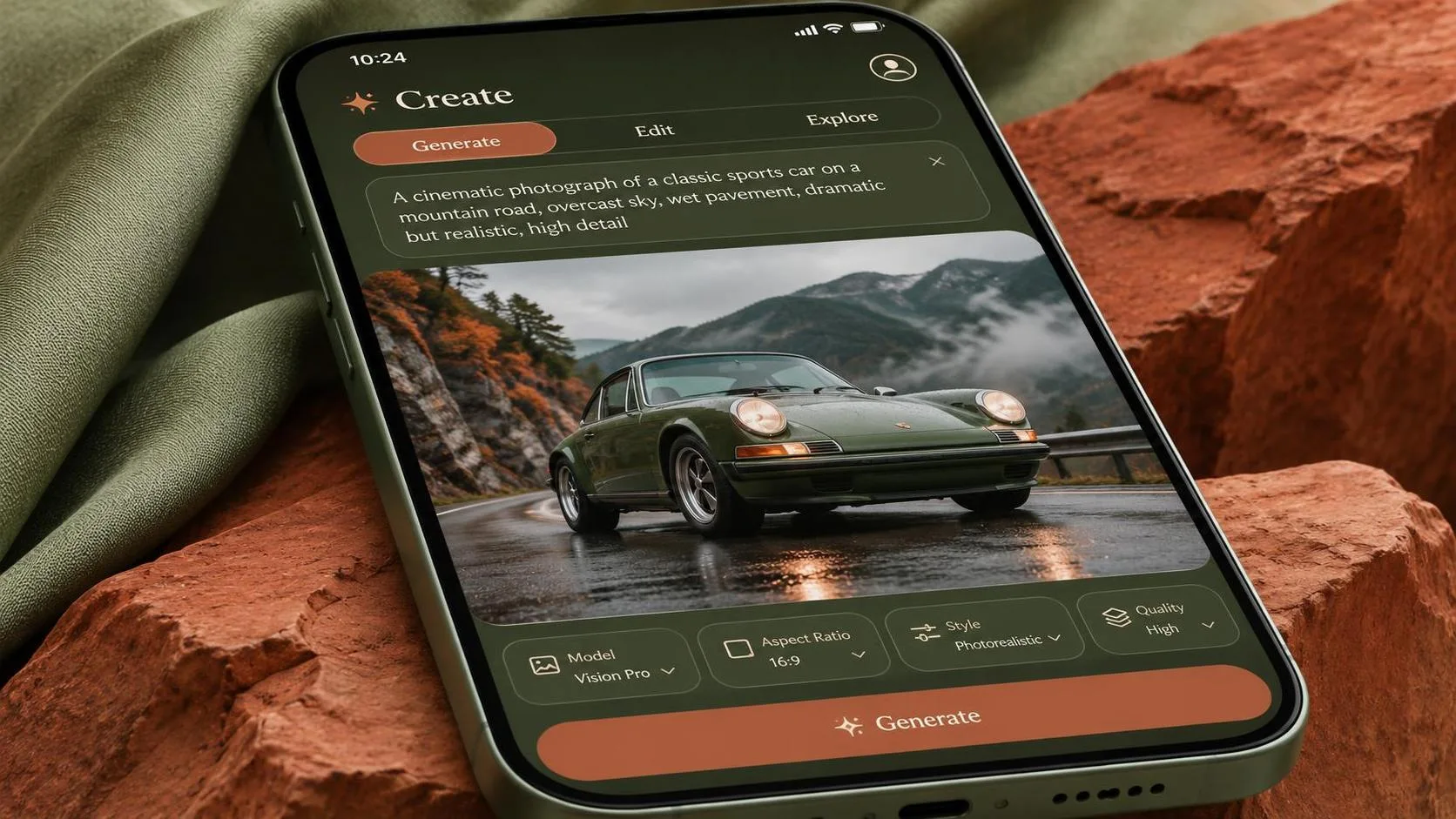
The best chat gpt photo prompts describe the job before they describe the aesthetic: what the image shows, where it will appear, what must stay accurate, and which details can change. A prompt for a product ad should protect the product and leave room for copy; a prompt for a portrait should specify the subject, setting, and lighting. Below are practical starting points, not promises of results. Run them against your own brief and inspect every output before delivery.
Start with the deliverable, not a camera metaphor
A useful photo prompt has five parts: subject, setting, composition, light, and constraints. Add the intended placement when it matters. “A skincare bottle in soft light” leaves too many decisions to the generator. “A front-facing skincare bottle on a pale stone surface, lit from a large window on the left, with clear space on the right for a headline” gives it a job.
For client work, separate visual direction from hard requirements. Mood, props, and background color are negotiable. Product shape, approved packaging, and required claims usually are not. State those priorities in the prompt, but don’t assume the model can enforce them perfectly.
If you have a reference image and your ChatGPT interface supports uploads, attach it and identify its role: product reference, lighting reference, or composition reference. An unlabeled image can leave the model guessing which features to preserve. Avoid uploading confidential client material unless you have permission and have checked the applicable data and account settings.
Chat gpt photo prompts for product images
For an e-commerce hero concept, try this prompt with your own product reference:
“Create a realistic studio photograph of the product in the attached image. Place it upright and centered on a warm white seamless background, viewed slightly above eye level. Use broad, soft light from the upper left and a subtle shadow beneath the product. Preserve the reference product’s shape and visible packaging details. Do not add props or promotional text.”
That last sentence matters because extra objects can make a clean listing image look like a campaign shot. But preservation is an instruction, not a guarantee. Compare the output against the reference at full size, especially the cap, proportions, label, and any small print. For an actual listing, a real product photograph or a composite using the approved product image may be the safer choice.
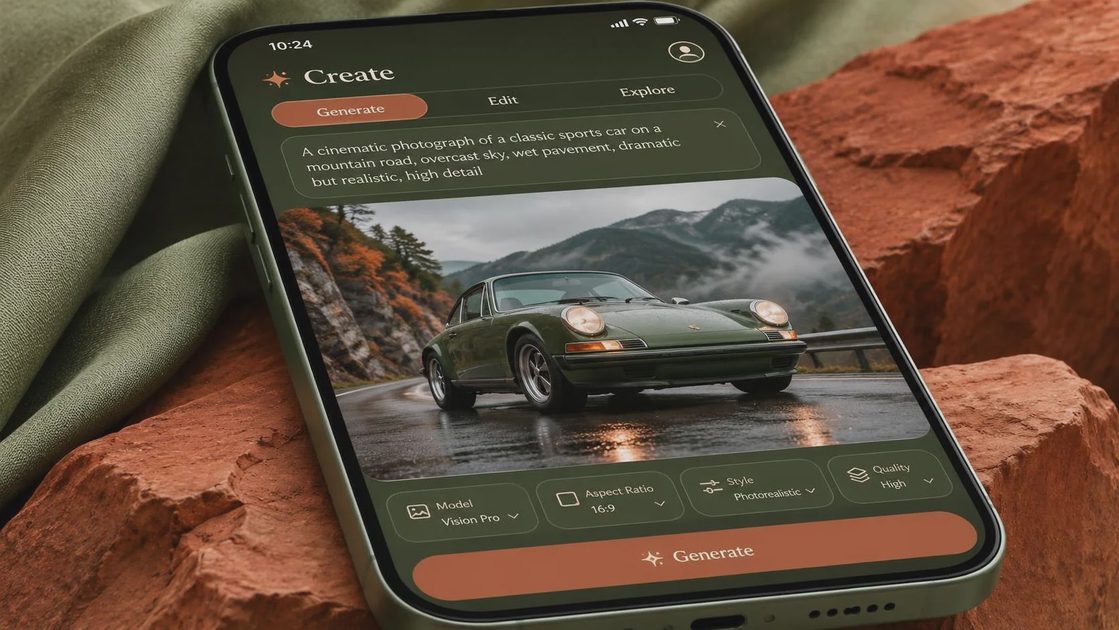
For a campaign concept, give the same product a setting and a layout requirement:
“Create a realistic product advertising photograph using the attached product as the reference. Place it on a light limestone counter beside a folded neutral towel. Use soft morning window light and restrained shadows. Frame the product in the left third, leaving the right third visually quiet for a headline to be added later. Keep the product recognizable and do not invent label claims.”
Check that the empty space is genuinely usable. A pale area full of texture can still fight a headline, and a layout that works in a wide crop may fail in a square placement. Add final copy in your design software, where spelling, line breaks, and brand typography are under your control.
Portrait and lifestyle prompts with a purpose
Chat gpt photo prompts for people work better when they specify an activity rather than relying on “natural candid photo.” Give the subject something plausible to do and describe the framing:
“Create a realistic editorial portrait of an adult ceramic artist standing at a worktable in a bright studio, holding a small unfinished bowl. Frame from the waist up, with the subject slightly right of center. Use soft window light, a muted background, and a relaxed expression. Leave a little space above the head for a vertical crop.”
Inspect hands, object contact, clothing edges, and background tools. A convincing face does not rescue a bowl that merges into a finger. If the image represents a real person, get appropriate permission and verify identity and likeness requirements before publishing; a generated portrait should not be passed off as documentary evidence.
For a lifestyle ad concept, replace the isolated subject with a visible action:
“Create a realistic lifestyle photograph of an adult preparing coffee at a kitchen counter on an overcast morning. Show their hands pouring water into a dripper, with the counter and window visible for context. Use a restrained neutral palette, soft directional light, and a horizontal composition with open space on the left. Avoid visible brand logos and readable packaging.”
This is a scene direction, not proof that a particular product was used. If an ad implies a real demonstration or makes a performance claim, review the image and surrounding copy with the client before publication.
Revise one variable at a time
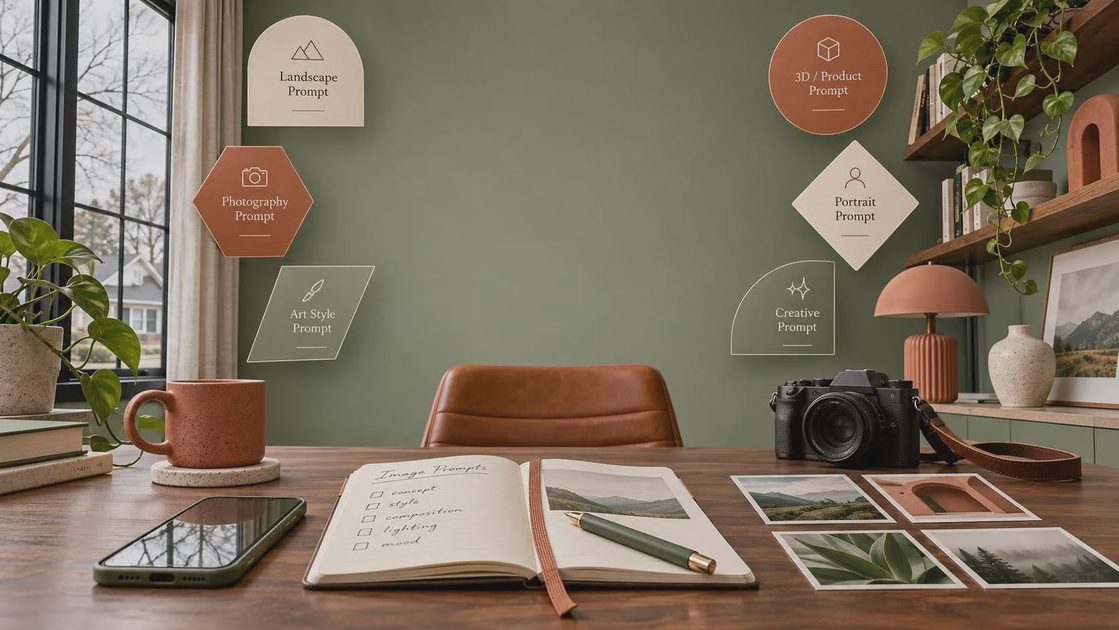
When an image misses, diagnose the miss before adding another paragraph of adjectives. If the product is too small, ask for a tighter crop and a specific position. If the light feels flat, specify where the light comes from and how soft the shadows should be. If the background competes with the subject, remove props before changing the whole scene.
A focused follow-up might read: “Keep the composition and background, but move the product closer to the camera so it occupies more of the frame. Preserve the existing lighting.” The output may still change other details, so compare it with the previous version. If an editing or selection tool is available, isolate the area you want changed rather than regenerating the entire image.
For a small batch, save the original prompt and make one deliberate change per variation. Name files by the changed element, such as “window-left” or “tighter-crop.” That makes client feedback actionable: you can distinguish a lighting preference from a composition problem instead of trying to reconstruct which prompt produced which image.
Put the image through a delivery check
Before a client sees the final, view it at the intended size and crop. Check product geometry, text, reflections, hands, repeated objects, and edges. Confirm that the file’s dimensions and format meet the placement requirements; a visually strong concept is not automatically a production-ready asset.
Then check permissions and disclosure requirements for the job. Rights to a reference image, a person’s likeness, platform rules, and client contracts are separate questions. Save the approved references, prompt, output, and any manual edits with the project so the team can understand how the asset was made.
The practical standard is simple: use the generator to explore and build, but verify the details a customer or client will rely on. Test it before you trust it.
For AI tool features, rules and availability, refer to their official sites.
Leave your thoughts here, too.