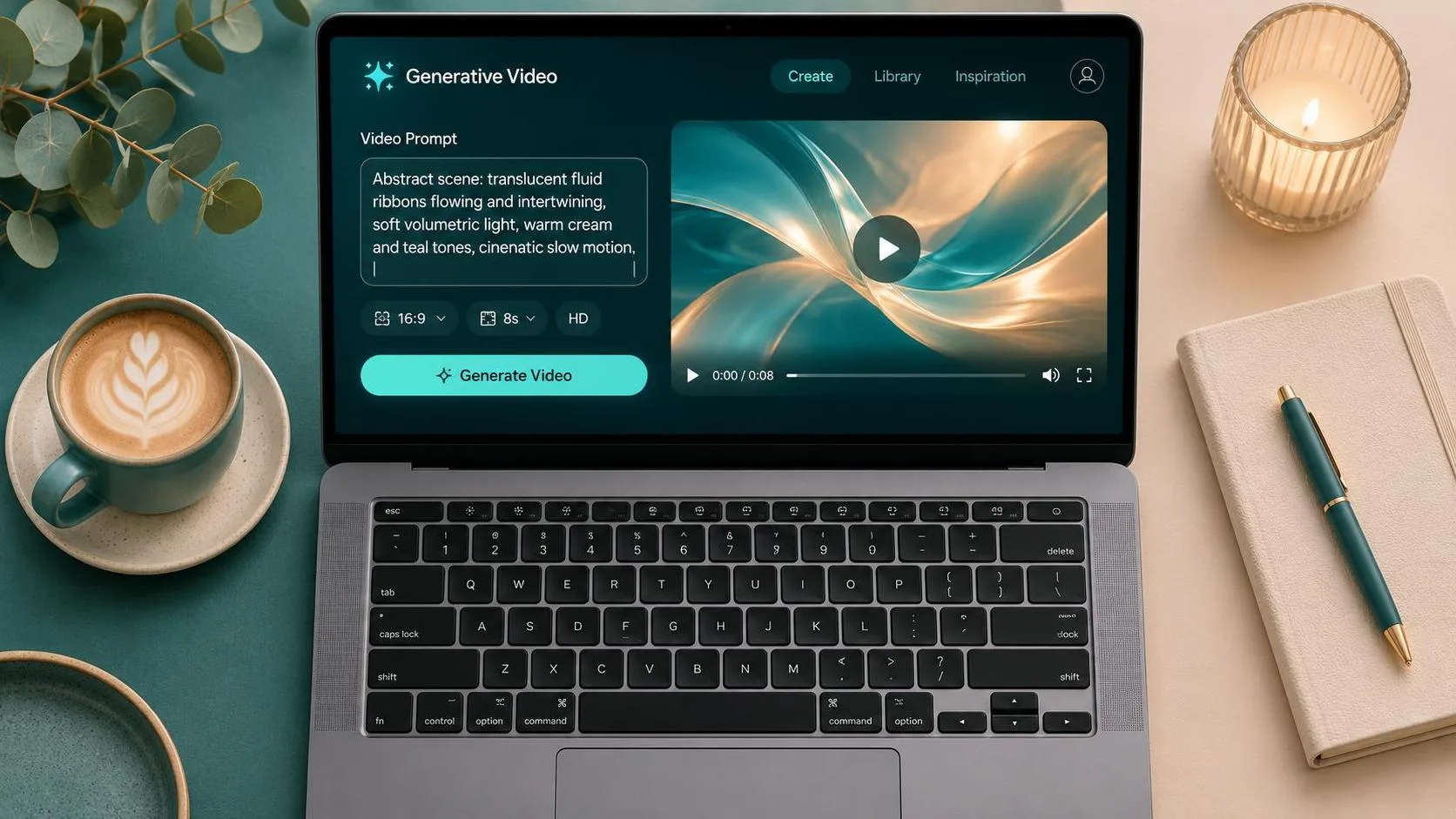
The first result from a sora prompt generator can look spectacular and still be useless to a client. I know because I have made that mistake: a beautifully lit product shot, a moving camera, and a logo that turned into unreadable confetti. A useful workflow is not about finding the longest prompt. It is about translating a brief into actions, framing, timing, and constraints that a video model can interpret consistently.
A sora prompt generator is most helpful when it gives you a structured starting point rather than pretending to replace visual judgment. I use generated wording to organize a concept, then edit it for the actual deliverable: a six-second social ad, a product reveal, a looping background, or a moodboard clip. The model still needs supervision, especially when a brand product, human hands, or readable text appears on screen.
What a sora prompt generator should actually produce
A strong tool should turn a vague idea into practical production details. “Make a premium coffee ad” is a direction, not a prompt. A production-ready version identifies the subject, setting, lighting, camera movement, lens impression, action, duration, aspect ratio, and space for copy. Those details give the model fewer opportunities to invent the wrong story.
When I test a sora prompt generator, I look for five useful outputs. First, it should identify the subject without burying it under adjectives. Second, it should describe one primary action instead of a pile of simultaneous events. Third, it should separate camera movement from subject movement. Fourth, it should define the visual tone with observable details, such as soft window light or hard midday shadows. Finally, it should flag risky elements, including small labels, complex fingers, reflections, and fast cuts.
That last step matters. A prompt can be artistically excellent and still fail a commercial brief. If the generator creates a sequence with three camera moves, four products, and a speaking character in eight seconds, I would simplify it before spending credits.
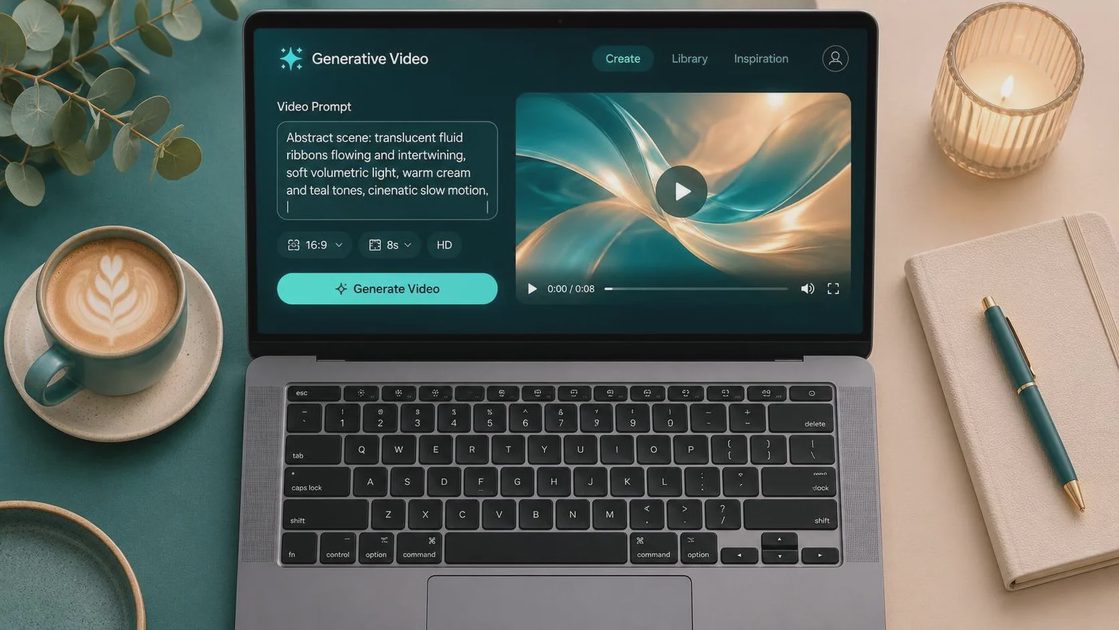
My test workflow for a sora prompt generator
I start with the brief in plain language and remove brand-safe filler. For example: “Show a matte black insulated bottle on a wet stone table at dawn. The camera moves slowly from left to right. Keep the bottle centered and leave clean space in the upper left for headline copy.” That gives the tool a concrete assignment.
Next, I ask a sora prompt generator to produce three versions: a literal product shot, a cinematic version, and a restrained version designed for paid social. I do not generate all three immediately. I compare their assumptions first. One may add steam, another may turn the dawn scene into a dramatic storm, and the third may keep the product stable. The restrained option often survives the brief better.
Then I cut unnecessary language. “Captivating, breathtaking, luxurious, viral, award-winning” does not tell a model what to show. “A slow dolly movement, shallow depth of field, water droplets on the bottle, neutral charcoal background” does. My editing pass usually reduces the prompt by 20 to 30 percent while making the instructions more specific.
I run a small batch rather than chasing one lucky generation. Four to eight clips are enough to reveal whether the composition is stable. I record the prompt, model version, duration, aspect ratio, and failures in a spreadsheet. That sounds fussy until a client asks for the second revision and nobody remembers which wording produced the usable take.
Prompt structure that reduces visual drift
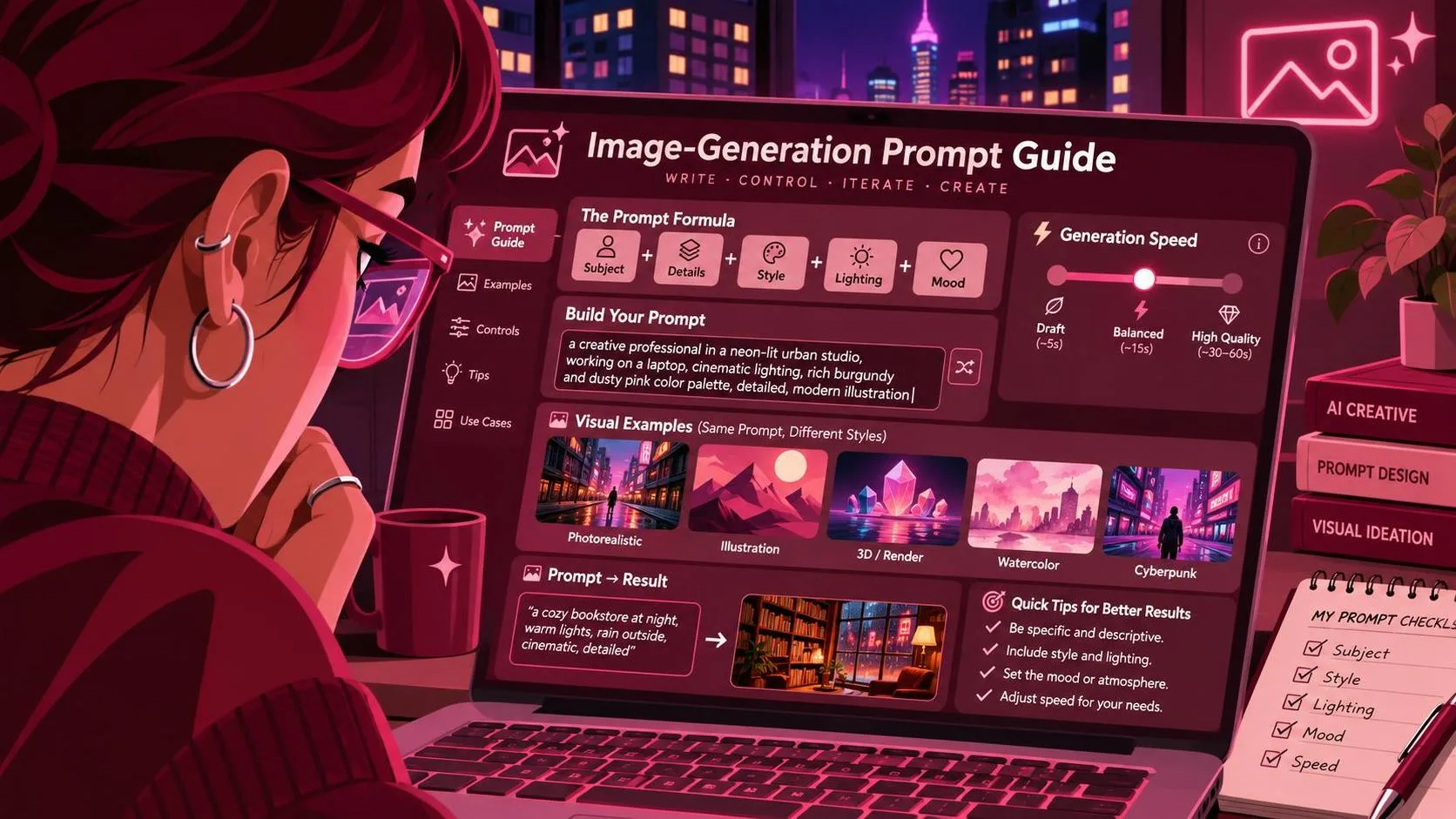
The most reliable structure I have used is subject, environment, action, camera, lighting, style, timing, and constraints. Put the subject and its important physical features near the beginning. If the product must remain upright, say so directly. If the camera must move while the object stays fixed, describe both roles separately.
A practical example looks like this: “A small amber skincare bottle with a white pump stands upright on a pale limestone block. Fine water droplets cover the surface. The bottle remains centered and label-facing as the camera makes a slow forward push over five seconds. Soft morning light enters from camera left. Minimal beige studio background. Leave the top third uncluttered for copy. No extra bottles, hands, or floating text.”
A sora prompt generator can produce that structure quickly, but I still check for contradictions. “Fast, slow-motion movement” is not a useful instruction. Neither is “busy minimalism.” Replace vague style language with visible choices: a locked-off frame, gentle handheld motion, a dark seamless background, or a clean editorial composition.
For social placements, state the format early in the workflow. A vertical 9:16 clip needs a different composition from a 16:9 website hero. I also specify a safe area for captions because an attractive subject placed against the bottom edge leaves nowhere for readable text.
Where generated prompts usually fail
The most common failure is overloading the shot. I once asked for a product rotating, liquid pouring, a hand entering frame, changing colored lights, and a rack focus in one short clip. The demo looked great. The deliverable did not. The bottle warped, the liquid disappeared, and the hand appeared with an extra thumb. The model was not the only thing I got wrong; the prompt was asking for a small commercial with no editing plan.
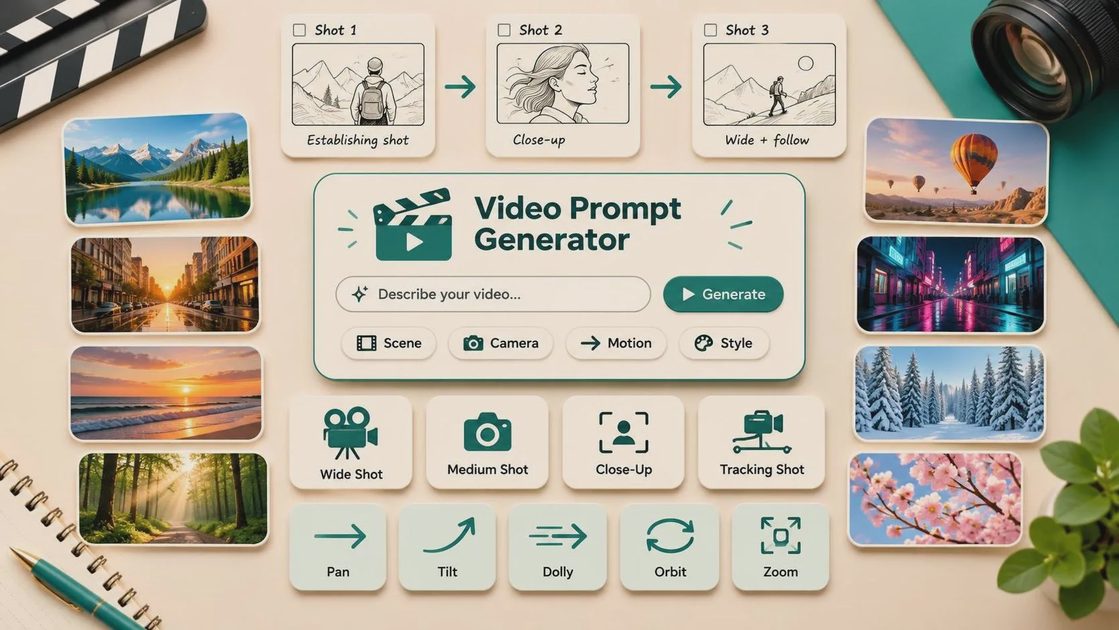
Break complicated concepts into shots. Use one prompt for the establishing frame, one for the product action, and one for the closing detail. You can assemble those clips in Premiere Pro, DaVinci Resolve, or CapCut. This approach also gives a client more useful revision choices. They can reject the pouring shot without forcing you to regenerate the entire sequence.
Text is another weak point. Do not rely on a video model to render a precise offer, URL, or legal disclaimer inside the scene. Generate clean visual space and add typography in your editor. The same applies to logos unless you have tested the exact workflow and inspected every frame.
Character continuity deserves its own test. Describe wardrobe, hair, location, and action consistently, but expect some drift across separate generations. For campaign work, I would rather use one strong hero clip than promise a perfectly consistent character across ten shots without a control workflow.
Comparing tools without being fooled by demos
A sora prompt generator is one part of a workflow, not proof that Sora is the best choice for every assignment. I compare tools by the job. Sora-style workflows can be attractive for cinematic exploration and quick concept development. Midjourney remains useful for still references and visual direction. Flux and Stable Diffusion workflows offer more control for creators willing to manage settings, references, and local or hosted interfaces. ChatGPT Image can be practical when the task begins as a conversational concept or storyboard frame.
The comparison should use the same brief, not each tool’s favorite showcase. Give every system the same product description, aspect ratio, action, and delivery target. Track usable clips, not merely impressive frames. If eight generations produce two shots that can survive editing, that is more informative than a single excellent demo.
Also track revision time. A tool that costs less per generation can become expensive when every result needs masking, cleanup, or client explanation. My simple test sheet includes generation count, usable outputs, obvious artifacts, editing time, and whether the product remained recognizable. Useful is a higher bar than impressive.
A repeatable checklist before delivery
Before sending a concept to a client, I watch the clip at full size and at the intended mobile size. I check the first and last second because awkward entrances and exits are easy to miss in a thumbnail. I inspect product edges, labels, hands, reflections, shadows, and repeated patterns. I confirm that the focal subject stays inside the delivery frame and that the copy area remains clear.
I also save the exact prompt and a short note explaining what was generated and what was added during editing. That record prevents confusion during revisions. If the client requests a slower camera move, I can adjust one variable rather than rebuilding the entire idea.
Used this way, a sora prompt generator earns its place by reducing blank-page time and exposing weak concepts early. It does not guarantee a finished advertisement, accurate branding, or perfect motion. Test it before you trust it, keep the failed generations, and let the brief—not the novelty of the model—decide what survives.
For AI tool features, rules and availability, refer to their official sites.
Leave your thoughts here, too.