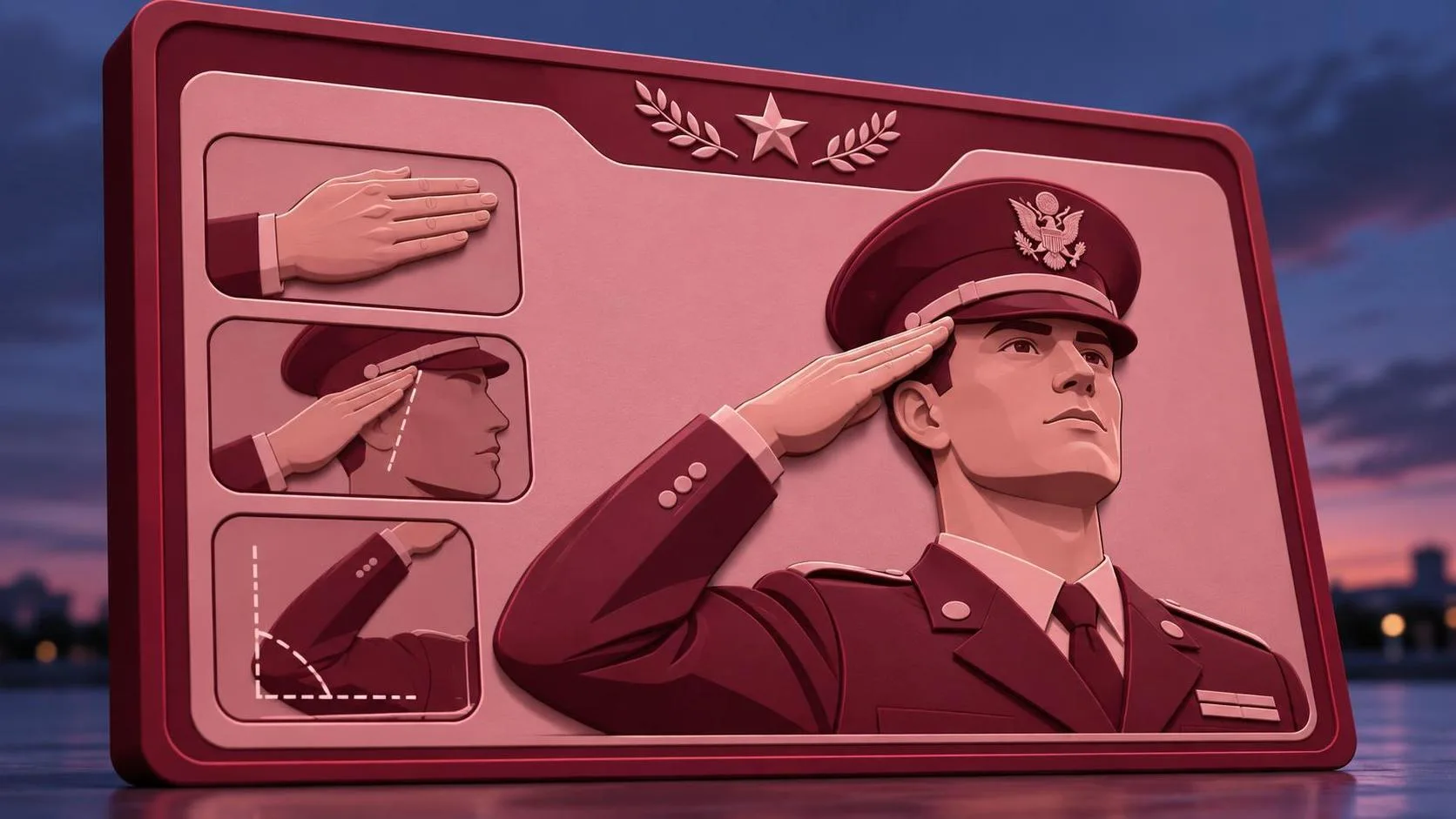
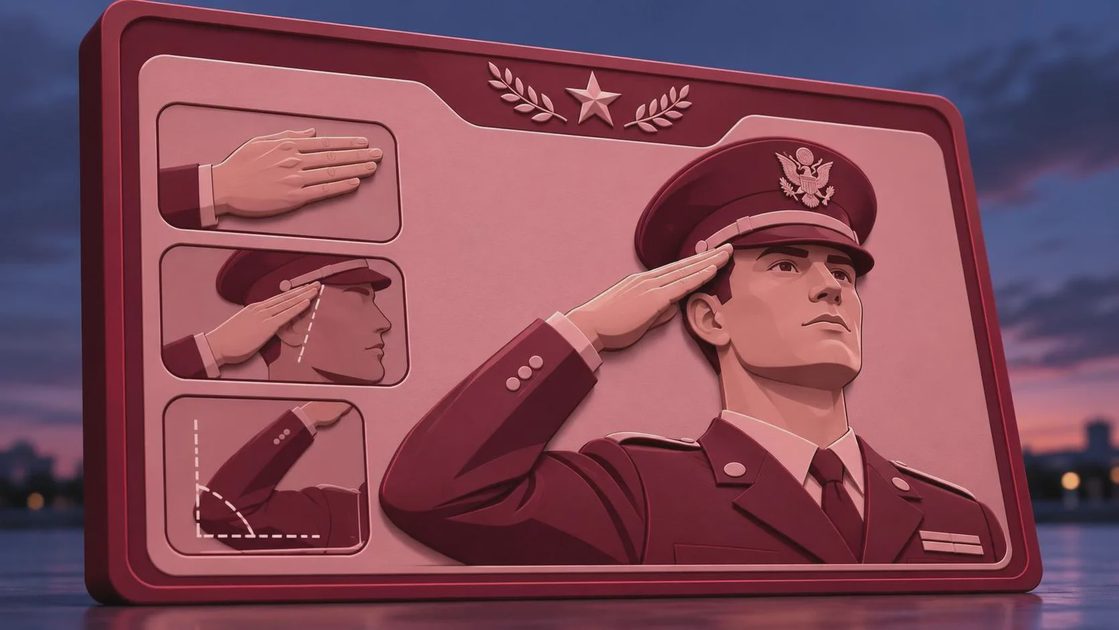
A soldier salute prompt looks simple until the model gives you a bent wrist, six fingers, a fictional uniform, or a salute aimed several inches above the eyebrow. I ran this kind of brief through image-generation workflows with Midjourney, Flux, and ChatGPT Image, and the useful lesson was consistent: the model needs more than a subject and an action. It needs a controlled pose, camera direction, uniform description, lighting plan, and a clear instruction about what must stay out of frame.
This matters when the image is for a memorial graphic, recruitment concept, history presentation, editorial illustration, or commercial campaign. A dramatic image can still fail if the hand anatomy looks broken or the uniform combines details from three unrelated eras. The goal is not maximum cinematic noise. The goal is a believable image that survives a client review.
Why the First Soldier Salute Prompt Usually Fails
The phrase “soldier saluting” gives an image model a broad idea, not a production-ready composition. It does not specify whether the subject is shown from the waist up, viewed from the front, standing at attention, or photographed in profile. It also leaves the salute hand vulnerable to interpretation. That is why the first result often has a palm facing the wrong direction, fingers spread unevenly, or an elbow floating away from the body.
Start with the visual hierarchy. Define the subject first, then the pose, then the camera and environment. For example, describe “a single uniformed service member standing at attention, right hand raised in a formal salute, fingers together, palm angled downward, fingertips aligned near the brow.” This is much more useful than repeating “realistic” several times.
I also separate factual details from mood. “Clean contemporary service uniform” is a factual direction. “Quiet, respectful, subdued atmosphere” is a mood direction. Mixing both into one vague sentence makes troubleshooting harder because you cannot tell whether the model missed the pose or the emotional tone.
A Better Prompt Structure for Pose and Uniforms
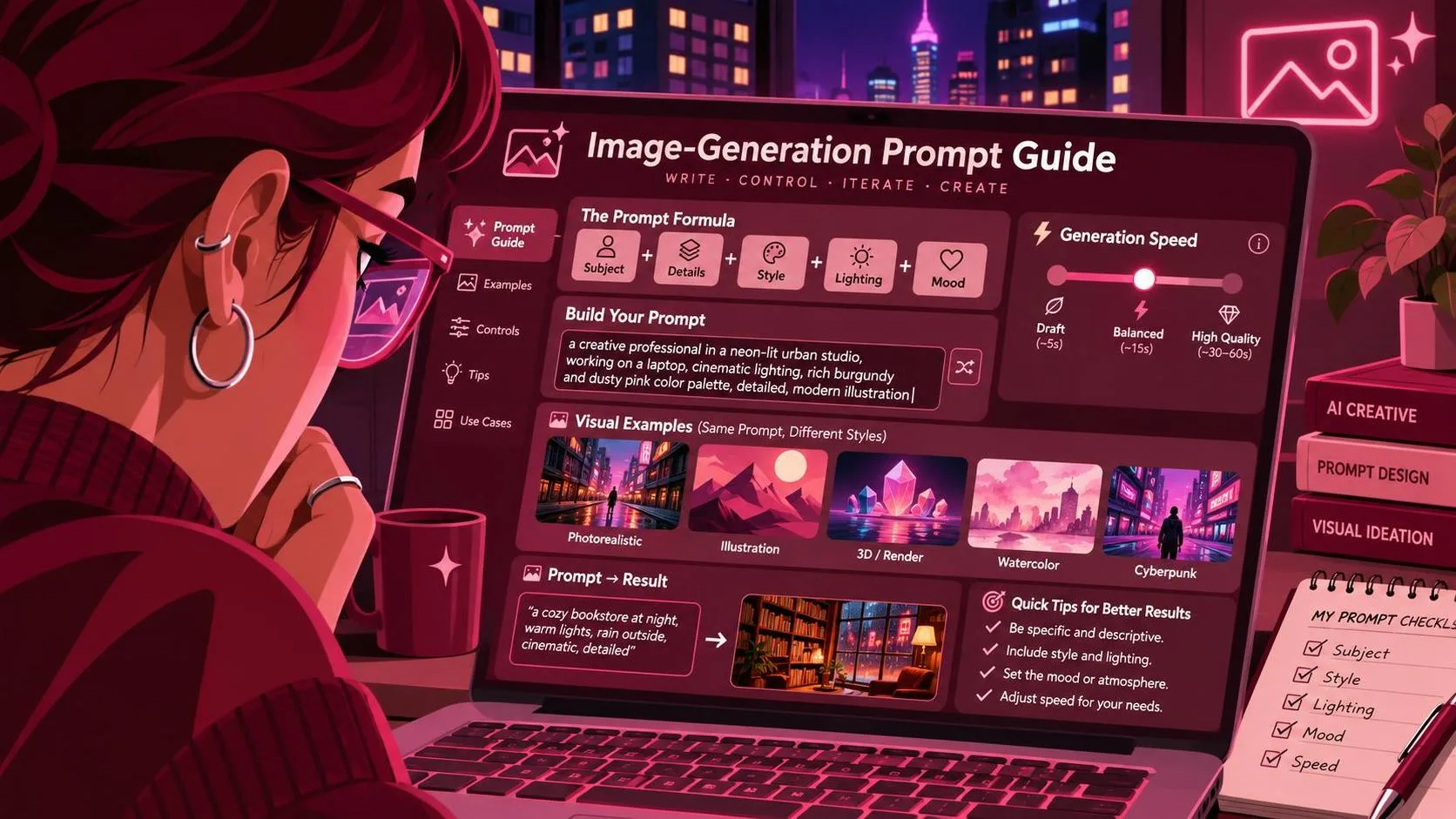
A reliable soldier salute prompt can be built in five short layers. First, identify the subject and framing: “single adult service member, medium portrait, centered composition.” Second, describe the action: “standing at attention and performing a formal right-hand salute.” Third, add anatomy controls: “natural shoulder position, straight wrist, aligned fingers, anatomically correct hand.” Fourth, set the visual context: “sunrise on a quiet training field, soft directional light, muted background.” Fifth, state the finish: “documentary photography, realistic fabric texture, restrained color grading.”
Here is a useful base version:
“A single adult service member standing at attention and performing a formal right-hand salute, fingertips aligned near the brow, fingers together, natural elbow and wrist anatomy, clean contemporary uniform with no visible insignia, medium portrait, eye-level camera, quiet outdoor setting, soft morning light, realistic fabric texture, documentary photography, respectful and non-political tone.”
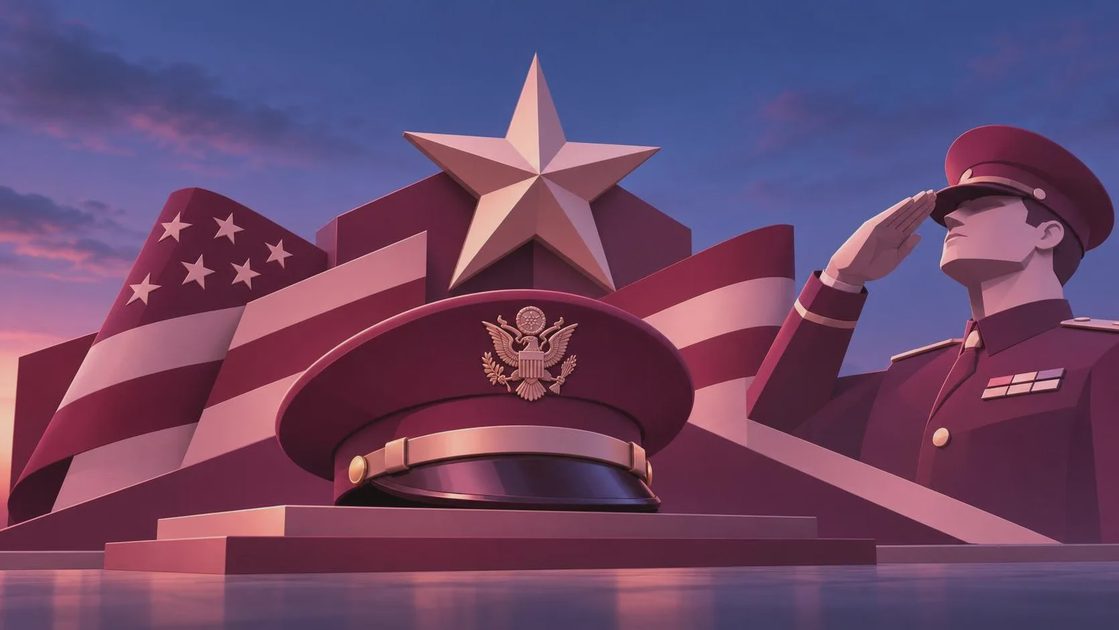
The “no visible insignia” phrase is practical when you do not need a specific branch, rank, or country. Models frequently invent badges and flags. Removing those details reduces accidental inaccuracies and makes the result easier to use in a general-purpose layout.
Controlling Camera, Cropping, and Negative Space
A good soldier salute prompt should tell the model where the image will breathe. If the design needs headline text, request “subject positioned on the right third with clean negative space on the left.” For a poster portrait, use “vertical composition, waist-up framing, centered subject, enough space above the head.” For a social post, specify a 4:5 portrait crop rather than hoping the model creates a useful frame.
Camera language also changes the emotional result. Eye-level perspective usually feels direct and documentary. A low angle makes the subject look monumental, which can be appropriate for a commemorative concept but can quickly become theatrical. A profile emphasizes the salute silhouette but gives the model less visual information for facial anatomy. I usually begin with eye level, a 50mm-style portrait, and moderate depth of field before testing more dramatic angles.
Avoid stacking too many cinematic phrases. “Epic, heroic, dramatic, ultra-detailed, blockbuster, award-winning” does not repair a bad hand. It often produces a glossy recruiting-poster look when the brief really needs restraint. Useful is a higher bar than impressive.
Troubleshooting Hands, Faces, and Uniform Details
When the salute is wrong, change one variable at a time. First, simplify the background and crop closer to the upper body. A crowded parade scene gives the model too many competing limbs, flags, vehicles, and shadows. Next, reinforce the hand instruction with plain physical language: “five natural fingers, fingers touching, thumb folded, wrist connected correctly to the forearm.” Avoid contradictory directions such as “open palm” and “fingers tightly together.”
If the face becomes distorted, reduce the number of adjectives and use a larger crop. If the uniform looks fictional, remove names of real units unless the job requires them and you can verify the result. A generic uniform is safer than a nearly correct uniform with an invented patch. For client work, I would rather deliver a clean concept than spend an hour explaining why a generated badge does not exist.
In Midjourney, image references and a restrained stylize value can help preserve the broad pose while reducing decorative drift. In Flux, a detailed text prompt often gives stronger control over the hand and camera relationship, but it still benefits from several generations and careful selection. ChatGPT Image is useful for conversational revisions such as moving the subject farther right or changing the background without rewriting every instruction.
Testing the Prompt Before a Client Sees It
Generate a small batch instead of trusting the first attractive result. I normally review six to twelve images for three things: the salute anatomy, the consistency of the uniform, and the space available for typography. A result can look convincing at thumbnail size and fall apart when enlarged. Zoom into the hand, collar, buttons, and any visible lettering before sending a preview.
For a commercial brief, record the model, aspect ratio, prompt version, and selected image. If the client asks for a second pose, you then know which settings produced the original instead of starting from memory. Keep failed generations too. One failed image may reveal that “dramatic side lighting” is creating a false second arm, while another shows that a busy background is causing the uniform to merge with the subject.
A simple review question helps: does every detail support the intended use? If the image is for a solemn remembrance post, a smoky battlefield backdrop may be distracting or inappropriate. If it is for a fictional concept, invented details may be acceptable, but they should not be presented as authentic military documentation.
Example Variations for Different Image Jobs
For a memorial design, use a soldier salute prompt with “soft overcast light, respectful stillness, subdued colors, uncluttered background, room for a short dedication.” For a training editorial, try “daylight field exercise, practical documentary composition, visible full-body stance, natural shadows, no theatrical effects.” For an illustrated poster, specify “painterly brushwork, simplified background shapes, strong silhouette, controlled navy and tan palette.”
For an e-commerce or nonprofit campaign, reserve clear space for the headline and call to action. Ask for a neutral background, consistent lighting, and no random readable text. AI-generated lettering is still unreliable, so add typography in Photoshop, Figma, or another layout tool after selecting the image. That two-step workflow is faster than asking the model to render a perfect slogan inside the scene.
The final lesson is straightforward: a soldier salute prompt should function like a compact creative brief, not a magical phrase. Define what the viewer sees, what the hand is doing, where the subject sits, and which details the model must avoid inventing. Test it before you trust it, and remember that the model was not the only thing I got wrong when my first polished-looking salute had the thumb pointing toward the sky.
For AI tool features, rules and availability, refer to their official sites.
Leave your thoughts here, too.