The first image prompt I wrote for a product campaign looked impressive for about ten seconds. Then I noticed the bottle label was warped, the cap had changed shape, and the supposedly empty background contained three mysterious lemons. The client wanted a clean hero image, not evidence that I had lost a fight with a fruit bowl. A useful image prompt must do more than describe an attractive picture. It must communicate the brief, control the composition, and give you a practical way to revise the result.
What a reliable image prompt actually contains
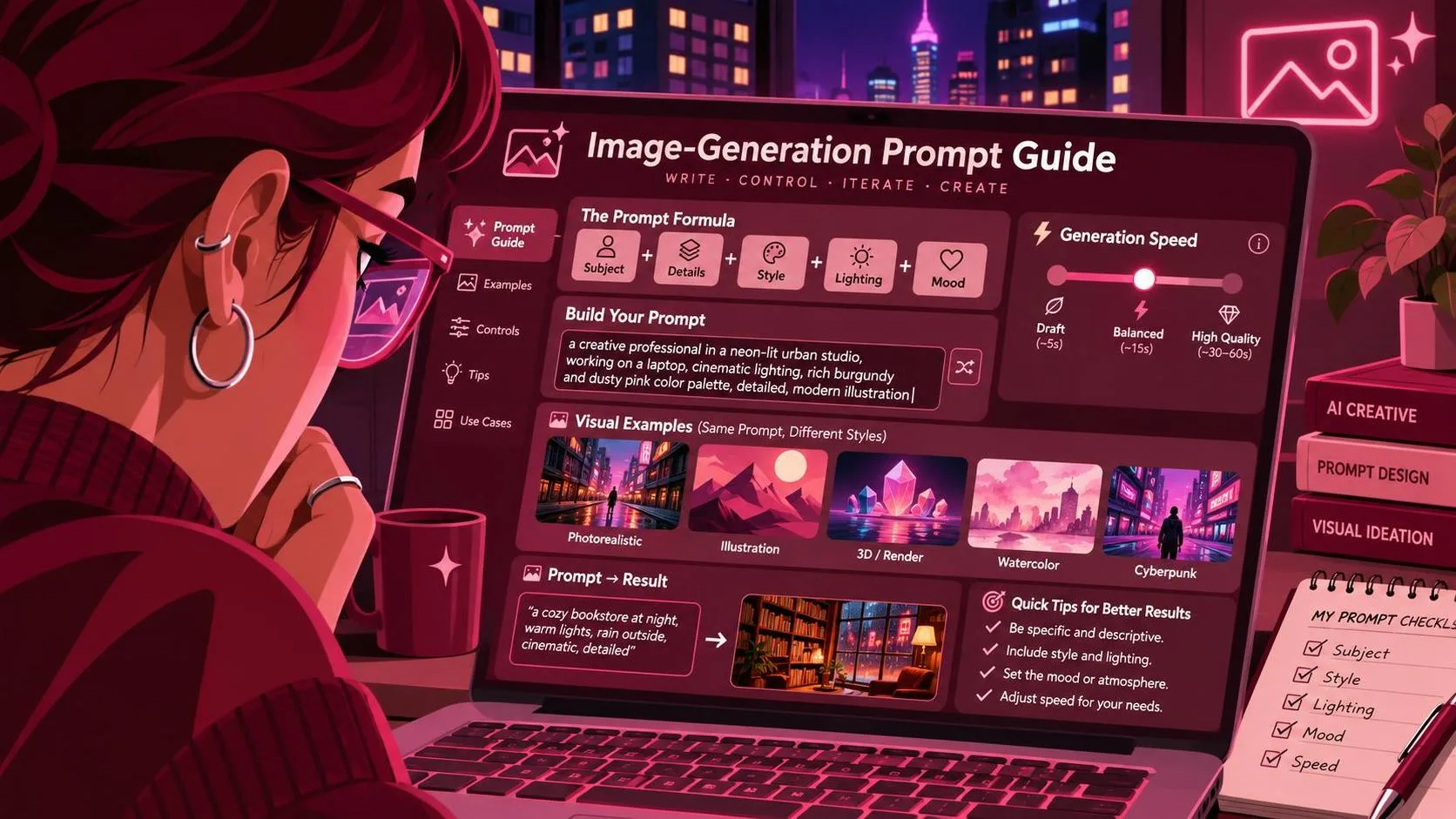
A strong prompt usually has six parts: the subject, the action or arrangement, the environment, the composition, the visual treatment, and the output requirements. That order is not a law of physics, but it gives the model a clear hierarchy. Start with what matters most. “A matte black insulated tumbler standing upright” is more useful than opening with “cinematic, dreamy, luxurious.” Those adjectives can help later, but they should not bury the product.
For a commercial image, specify the camera relationship in plain language. Mention a front three-quarter view, eye-level framing, a close crop, or generous negative space on the left for headline copy. Describe lighting with a usable source: large softbox from camera left, warm afternoon window light, or hard overhead sunlight with defined shadows. If the image is for a paid-social placement, include the intended orientation and text area. A square feed image and a vertical story asset should not receive the same composition instructions.
The best image prompt I have tested is specific without becoming a shopping list. Include details that change the image, such as material, color, scale, surface, and position. Leave out decorative language that merely sounds sophisticated. “Minimal editorial product photography” tells me something. “A transcendent visual symphony of premium modernity” tells me the coffee was too strong.
A practical structure for Midjourney, Flux, and ChatGPT Image
Here is the image prompt format I use when I need a repeatable starting point: subject and quantity; setting and surface; position and camera angle; lighting and mood; color palette; composition and crop; required exclusions; and intended use. Write it as a compact paragraph rather than stacking fifty disconnected keywords. The model needs relationships, not just a pile of nouns.
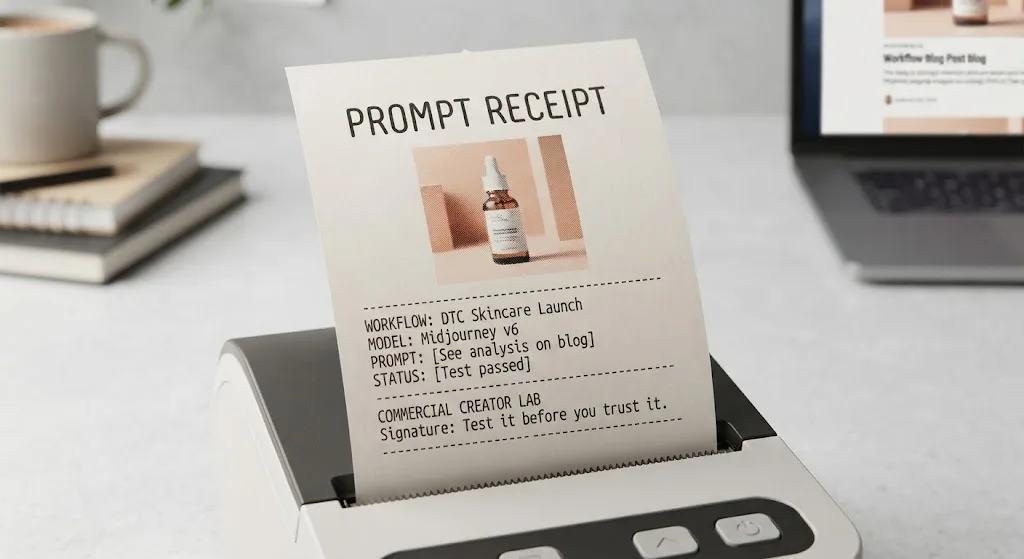
For example: “One amber glass skincare bottle with a white pump, upright on a pale limestone slab, centered slightly right of frame, warm directional window light from the upper left, soft shadow falling behind it, muted cream and terracotta palette, premium editorial product photography, vertical 4:5 composition, clean negative space on the left for headline copy, no extra bottles, no hands, no readable label text.” That prompt gives the generator a subject, location, geometry, light, palette, crop, and boundaries.
I would not ask the model to render final packaging copy unless the tool has proven reliable for that task. Instead, generate a clean label area and add exact text in Photoshop, Figma, or your usual layout tool. This separation saves time. The demo image may show convincing lettering, but a client deliverable needs the correct spelling, legal line, ingredients, and logo spacing.
Test the prompt instead of trusting one lucky generation
A single successful image proves almost nothing. Run a small batch under the same prompt, then compare whether the product stays recognizable, the camera angle holds, and the negative space remains usable. I normally review four to eight generations before changing the wording. If every result fails in the same way, the prompt or reference image is probably the problem. If one result works and seven wander, the workflow is not stable enough for a deadline.
When I tested a product brief across Midjourney and Flux, Midjourney gave me attractive styling quickly, but the product proportions drifted more than I wanted. Flux held the basic object relationship better in that particular test, while still needing cleanup around the label. That is not a universal ranking. It is a reminder that “best model” is incomplete without a job, a reference, and a failure standard.
Save the exact image prompt, model, aspect ratio, seed when available, reference images, and notable settings. A folder of successful outputs without their instructions is a gallery, not a workflow. I keep failed generations too. They reveal whether the model misunderstood “behind,” ignored “only one,” or interpreted “minimal” as “remove the product.”
How to revise a failed generation
Change one variable at a time when possible. If the product is too small, strengthen its scale and position: “large foreground subject occupying approximately 60 percent of the frame.” If the background is too busy, describe what remains rather than repeating “clean” three times: “single pale stone surface, uninterrupted background, no props.” If the camera angle is wrong, remove conflicting terms such as “flat lay” and “eye-level view.” Contradictory instructions are a common reason a polished prompt produces confused images.
Use negative instructions carefully. “No extra objects, no duplicate product, no hands, no distorted pump, no watermark” can prevent predictable failures. A huge negative list can also make the model focus on the things you do not want instead of the image you do. I add exclusions based on observed failures, not from a recycled list found in a prompt collection.
For character or lifestyle work, describe continuity features that matter between images: hairstyle, clothing color, pose, age range, camera distance, and environment. Even then, do not promise perfect identity consistency from text alone. Use reference images, image-to-image tools, masks, or a controlled workflow when the same person must appear across a campaign.
Build a client-ready image workflow
Start with the brief, not the generator. Write down the audience, placement, product priority, required dimensions, brand colors, forbidden claims, and where text must go. Then create three prompt versions: a broad concept, a controlled production attempt, and a revision that addresses the first failure. This gives a client something to compare without pretending every variation is equally usable.
I also separate exploration from delivery. During exploration, unusual colors and camera angles are valuable because they reveal a direction. During delivery, consistency matters more than novelty. The winning image should survive cropping, retouching, layout, and a skeptical client review. If the subject looks excellent only at one exact size, it has not survived the brief.
A practical image prompt can reduce revision rounds, but it cannot replace art direction. You still need to inspect anatomy, reflections, shadows, perspective, logos, and implied claims. For e-commerce, check that the item is accurately represented. For advertising, confirm that the scene does not suggest a performance or result the product cannot support. Generated pixels do not remove production responsibility.
My final checklist before delivery
Read the output at full size, not only as a thumbnail. Confirm the requested aspect ratio and crop. Check every visible edge of the product, especially caps, handles, zippers, and thin cables. Look for accidental duplicate objects. Verify that the background leaves the planned copy area open. Compare the color against the reference rather than trusting your monitor’s first impression. If the asset includes a person, inspect hands, eyes, jewelry, and repeated clothing details.
Then ask the less glamorous question: can another person reproduce this result? If the answer is no, document the settings and save the references before moving on. The model was not the only thing I got wrong in my early tests; I also assumed I would remember which version worked. I did not.
Use an image prompt as a production instruction, not a magic spell. Test it before you trust it, keep the failures, and judge the output against the actual brief. Useful is a higher bar than impressive.
For AI tool features, rules and availability, refer to their official sites.
Leave your thoughts here, too.