
The phrase grok ai prompts speed slow motion points to a specific problem: you want an action scene to feel fast and dramatic, but the generated result looks frozen, smeared, or physically confused. The fix is not simply adding “make it slow motion.” You need to describe what moves, what stays sharp, where the camera is, and what moment the viewer is seeing.
Grok's available image and video features can change by account, platform, and product update, so treat the workflow below as a prompt structure rather than a promise that every interface supports the same controls. If the tool gives you a choice between a still image and motion generation, decide that first. A still needs visual evidence of speed. A video needs an understandable action over time.
How to write grok ai prompts speed slow motion scenes
Start with one subject and one readable action. “A cyclist turns sharply on a wet city street” gives the model a job. “Several athletes moving dramatically through a futuristic environment” gives it a small crisis meeting. Commercial images usually improve when the action is narrow enough to stage.
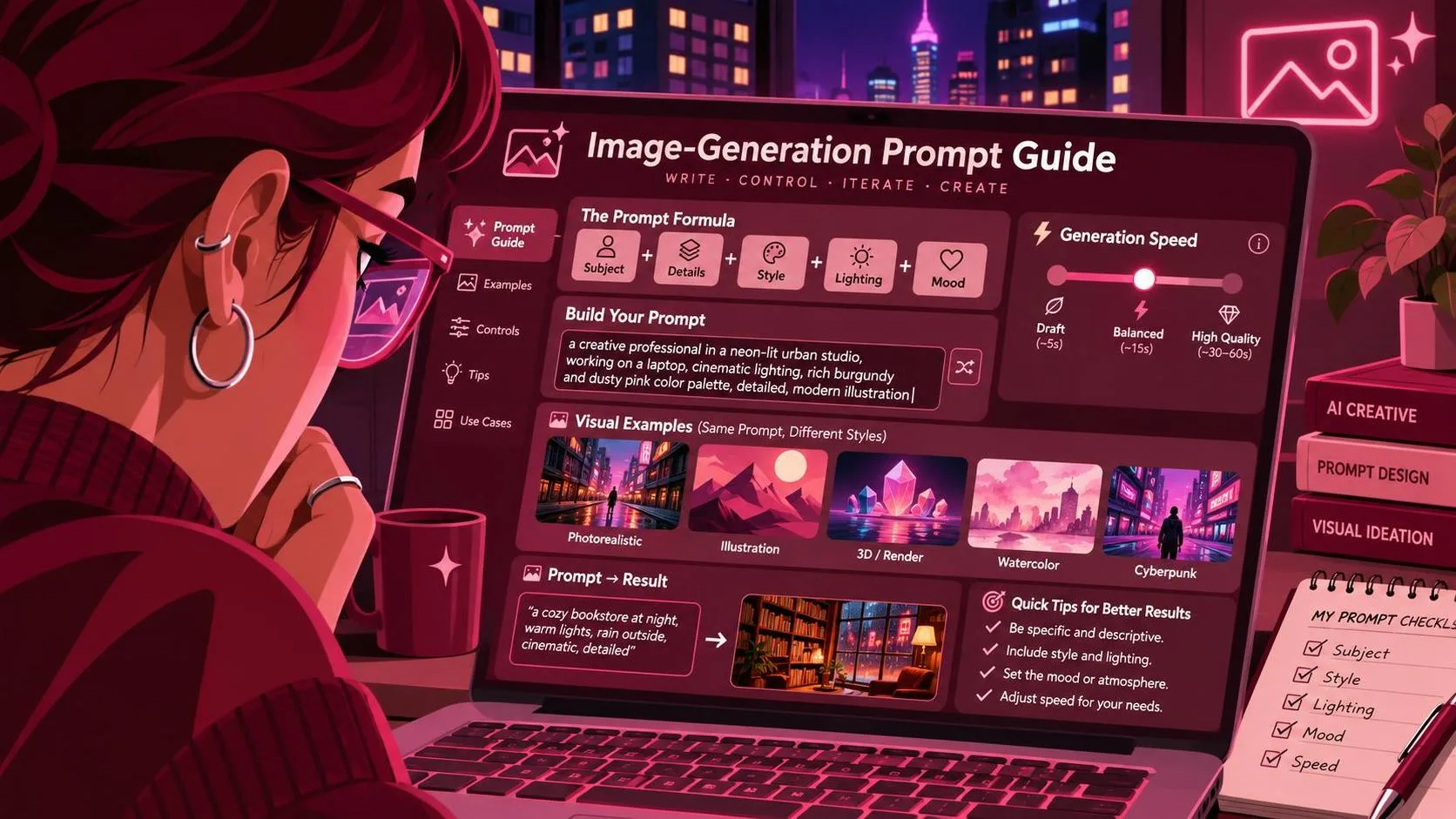
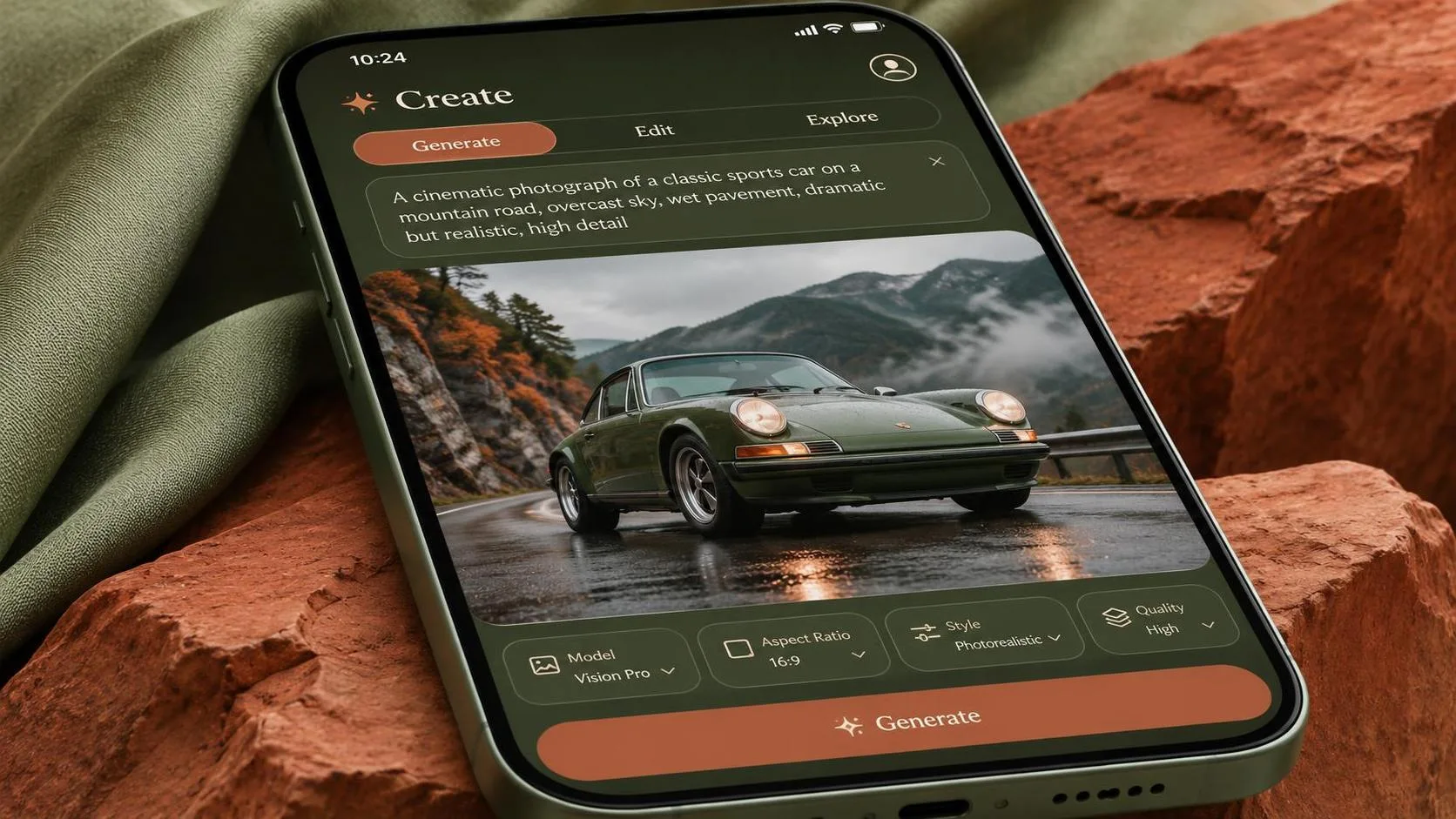
A useful prompt has five parts: subject, action, camera, timing, and finish. For example: “A red sports car passes a puddle at high speed, captured at the instant the front wheel cuts through the water, low side-tracking camera, background stretched into directional blur, car body and wheel hub crisp, cinematic natural lighting, realistic proportions.”
Notice what this does not ask for. It does not demand ten camera moves, a complicated stunt, rain, sparks, smoke, lens flares, and a readable logo in the same generation. Each extra effect creates another opportunity for the model to lose the important object. The model wasn't the only thing I got wrong in many failed prompt experiments; I was asking for too much at once.
For a product or ad concept, describe the item as a protected object. Say “the shoe remains fully visible and undistorted” or “the bottle label faces the camera and remains legible.” Do not assume that “hero product” will preserve shape, branding, or packaging. Generated text and logos are still frequent failure points, so leave clean space for a real asset replacement when the image is for paid work.

A prompt formula that controls speed without making a mess
Use speed as a relationship between sharpness and blur. The moving background can be soft while the subject stays defined. Alternatively, the subject can carry controlled motion blur while a nearby detail, such as a helmet, face, wheel, or product edge, remains recognizable. Ask for one of these choices directly.
A stronger template is: “Create a realistic slow-motion action shot of [subject] performing [single action]. Camera position: [low angle, overhead, close tracking, or locked-off side view]. Show the exact moment [specific event]. Keep [important subject or detail] sharp. Use directional motion blur only on [background, spray, fabric, or wheels]. Preserve [shape, color, expression, or product label]. No duplicated limbs, warped wheels, extra fingers, floating objects, random text, or unexplained light sources.”
The negative instructions are not magic, but they define the failure you want to avoid. Keep them short and relevant. A long block of every possible defect can compete with the main scene. If a car keeps growing extra wheels, mention wheels. If a person keeps gaining distorted hands, mention hands. Diagnose the actual failure instead of pasting a generic negative prompt into every attempt.
Timing language matters most when the tool generates motion. Use a beginning, middle, or end point: “the half-second before the jump,” “at the peak of the splash,” or “as the fabric settles after the turn.” Avoid vague phrases such as “epic movement” unless the visual direction is otherwise specific. Slow motion is still a sequence, and the model needs to know which frame or beat deserves attention.
For a vertical social ad, add the delivery constraint: “portrait composition with clear negative space above the subject for headline placement.” For a product page, ask for a controlled background and stable product orientation. For a cinematic concept, you can allow more atmosphere, but keep the camera instruction singular. “Slow dolly forward” is clearer than “dolly, orbit, zoom, and whip pan.”
Three usable prompt examples for grok ai prompts speed slow motion
For a sports concept, try: “Realistic slow-motion close-up of a tennis player striking the ball, captured just after contact, camera level with the racket, racket and face sharp, ball slightly motion-blurred, court lines receding naturally, sweat particles subtle, believable anatomy, no duplicate racket, no extra arms, no random lettering.” This gives the scene a clear event and protects the two details viewers need to read.
For an outdoor product image: “A trail shoe landing on a damp rock in a forest, slow-motion commercial frame at the instant water droplets scatter, low three-quarter camera angle, shoe upper and tread clearly visible, droplets and background foliage showing directional movement, stable proportions, clean space on the left for copy, no brand text invented, no duplicate shoes.” The instruction about copy space is more useful than simply saying “professional ad.”
For a fashion or music concept: “A dancer turns in a dark studio, captured at the midpoint of a fabric sweep, locked-off waist-up camera, face and torso recognizable, garment edges carrying controlled motion blur, soft side light, uncluttered background, one dancer only, natural hands, no duplicate limbs, no text.” This is a good place to reduce complexity. One person, one turn, one camera position.
If the first result is almost right, revise one variable at a time. Change the camera before changing the subject. Then adjust the blur. Then address anatomy or product shape. Rewriting the entire prompt after every failure makes it impossible to know what helped. Save each version in a text file; the rejected generations often reveal which phrase caused the model to over-interpret the scene.
When the result looks fast but not like slow motion
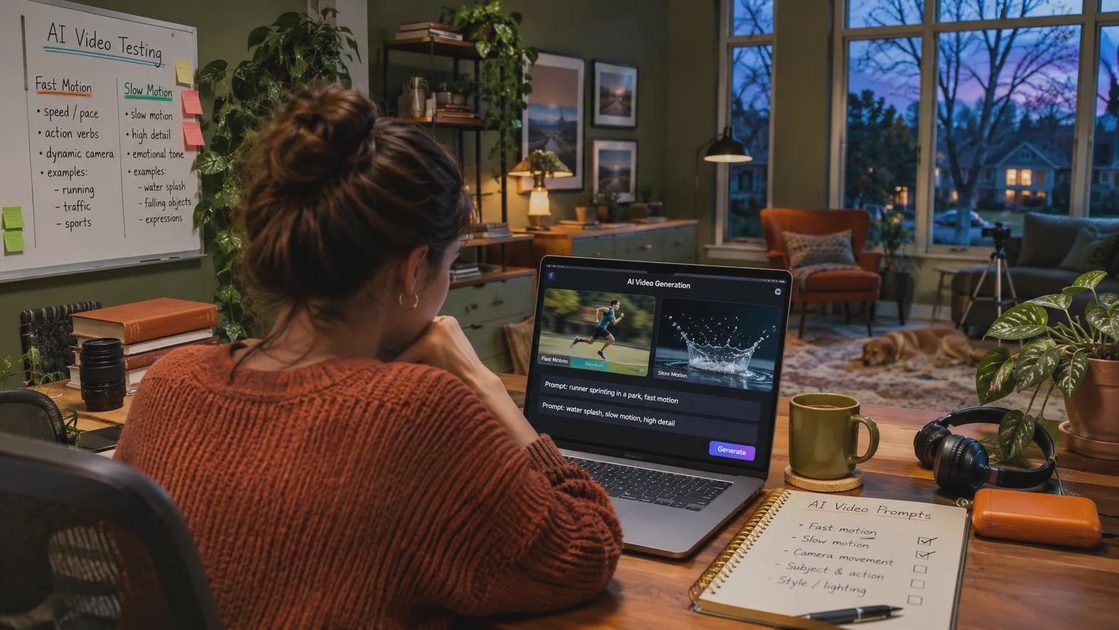
There are three common failures. First, everything is blurry, so the viewer cannot identify the subject. Add a sharpness anchor and restrict blur to a named area. Second, nothing moves, so the image looks like a posed still. Add a visible event such as splashing water, bent fabric, flying dust, or a displaced background. Third, the action becomes physically impossible. Remove secondary effects and describe the subject's position at one precise moment.
A practical revision might change “dramatic speeding motorcycle” to “motorcycle leaning into one turn, front wheel aligned with the frame, dust trailing behind the rear tire, rider and bike body sharp, background streaking horizontally.” The second version supplies direction, posture, and a reason for the blur. It is less glamorous language, but useful is a higher bar than impressive.
For client work, do not judge the output only at thumbnail size. Inspect hands, wheels, faces, packaging edges, and any area that will sit near copy. If the scene is meant to become a video, check whether the opening and closing states could plausibly connect. A beautiful single frame may still be a poor starting point if the subject changes shape between moments.
The dependable workflow is simple: generate a restrained composition first, identify the failed physical detail, then add one controlled motion cue. Keep the product or person readable, reserve blur for a specific moving element, and leave typography for a design tool unless the generated text is genuinely disposable. Test it before you trust it. The demo looked great; the deliverable did not, until the prompt started describing motion as a measurable visual relationship instead of an adjective.
For AI tool features, rules and availability, refer to their official sites.

Leave your thoughts here, too.