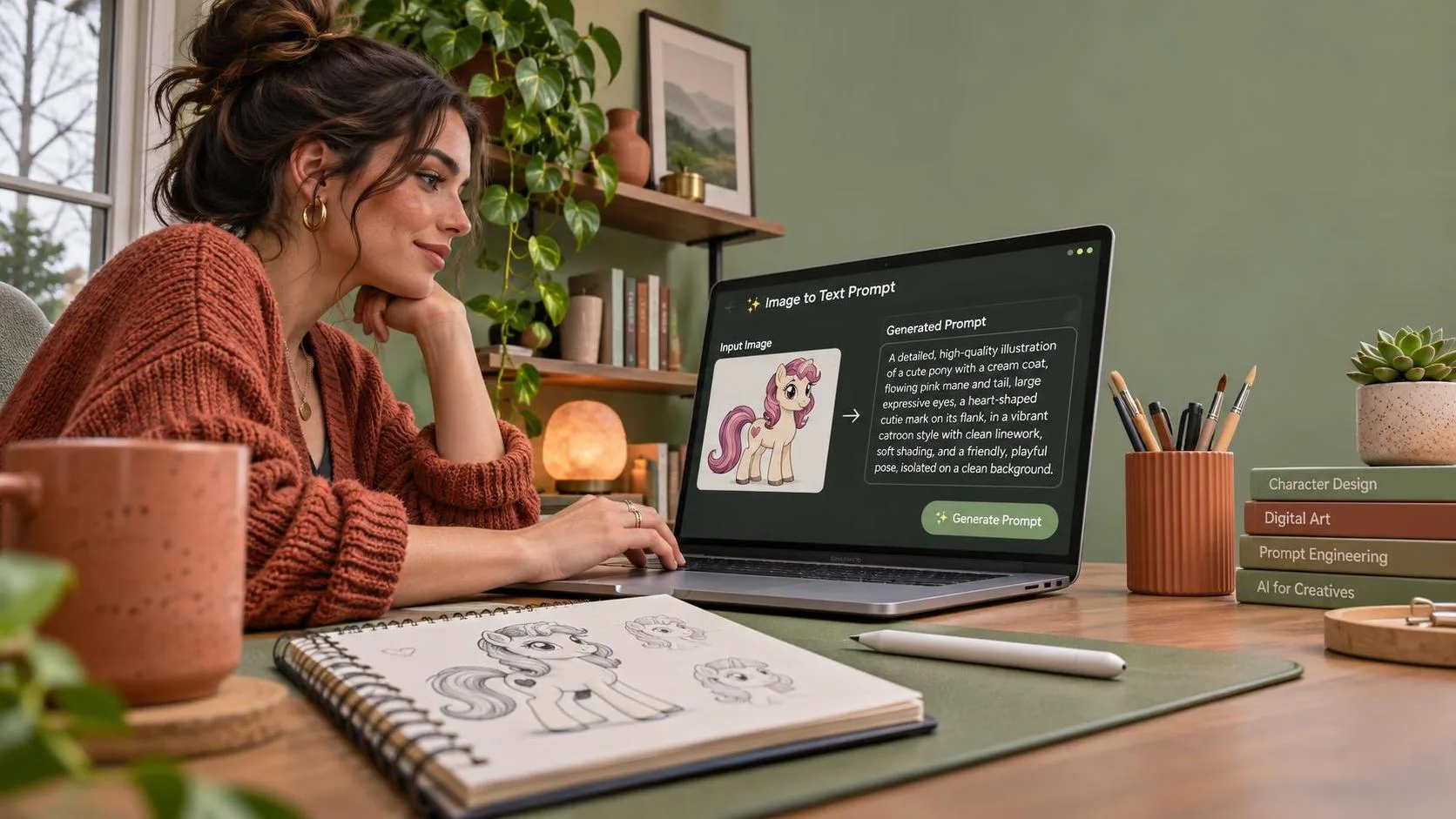
A danbooru pony image to text prompt generator can save time, but it does not magically produce a production-ready prompt. In my tests, the first output usually contained useful visual tags mixed with duplicates, weak ordering, and details that were impossible to verify from the image. The practical workflow is to treat the generated text as a draft, then clean it for the model and the job.
That distinction matters whether you are making character studies, concept art, social assets, or private experiments. Danbooru-style tags describe visible features with a dense vocabulary. Pony-based checkpoints often respond well to that vocabulary, while Flux and SDXL generally need more natural language and clearer composition instructions. One conversion method will not serve every model equally well.
What the generator actually does
A danbooru pony image to text prompt generator typically analyzes an image, identifies likely tags, and formats those tags as a prompt. Depending on the tool, it may recognize a character pose, camera angle, clothing, hair color, background, lighting, and broad image quality attributes. Some tools are based on tagging models rather than general image captioning systems, so their output can look more like a comma-separated catalog than a sentence.
That is useful because tags are easy to edit. If the result includes “outdoors,” “blue sky,” “standing,” and “looking at viewer,” I can preserve those ideas while removing uncertain labels. It is less useful when the tool confidently guesses a character, franchise, expression, or accessory that is not actually visible. A wrong tag can steer a generation farther from the reference than no tag at all.
For commercial work, do not assume the generated text grants permission to reproduce the source. Danbooru images can include copyrighted characters, user-created artwork, and mature material. Use references you have the right to use, remove sexual or unsafe content when appropriate, and check the terms of the checkpoint and image service before delivery.
A repeatable conversion workflow
I use a five-pass process instead of copying the first result directly into a model. First, inspect the reference yourself. Write down the subject, number of figures, pose, crop, environment, lighting, and the area that must remain clear for text or a product overlay.
Second, run the image through a danbooru pony image to text prompt generator and save the raw output. Keeping the unedited version is helpful when a later revision reveals that a removed tag was actually important. Third, delete guesses. Character names, exact emotions, branded objects, and hidden anatomy are common false positives. If you cannot point to the feature in the image, move it to a review list rather than treating it as fact.
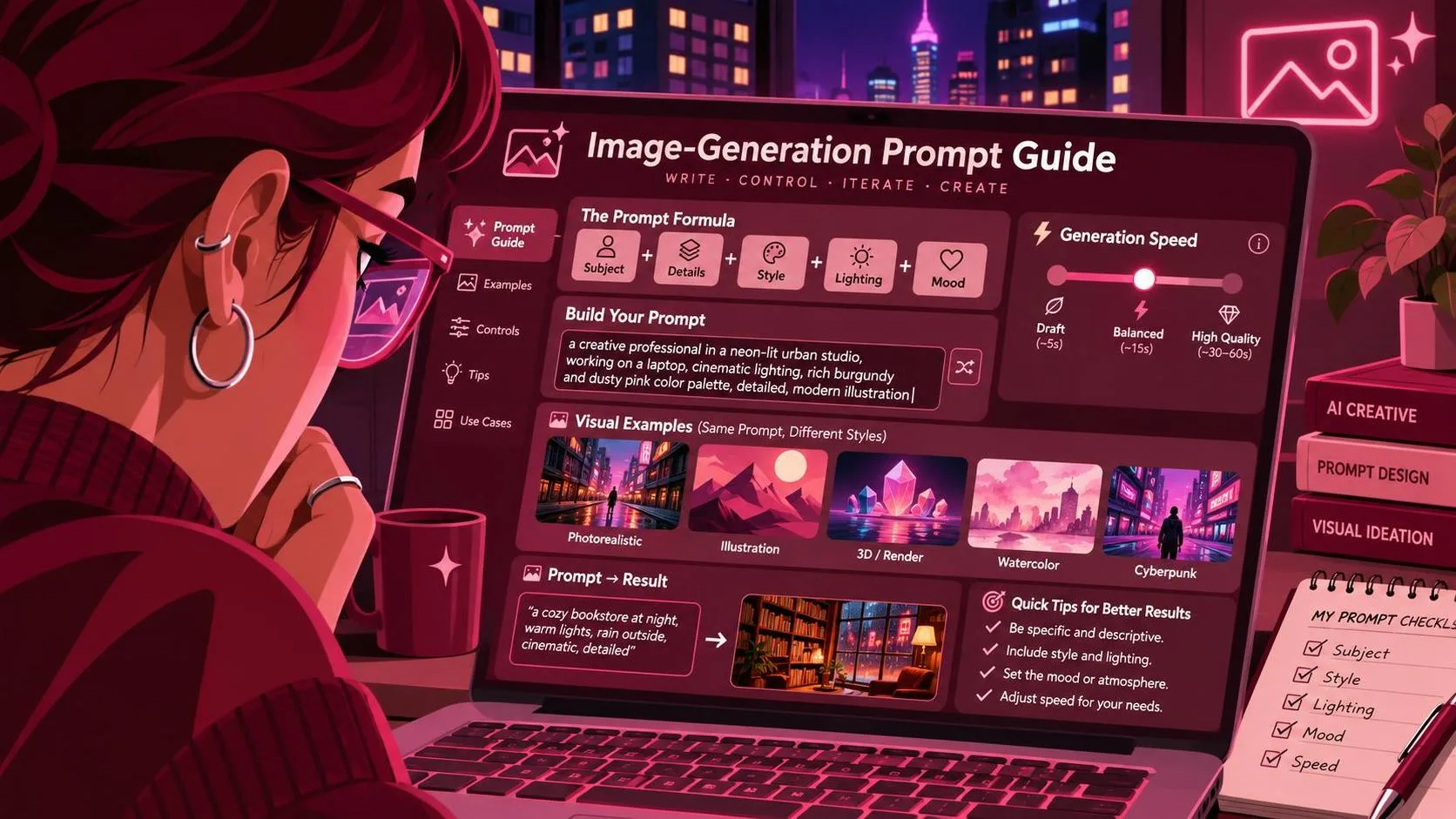
Fourth, group the surviving tags by priority: subject, composition, appearance, clothing, environment, lighting, and finish. Fifth, rewrite the groups for the target model. This takes about five minutes and usually saves more time than regenerating around a bad first prompt.
Prompt formats for Pony, SDXL, and Flux
Pony-style checkpoints often accept compact tag strings, so a cleaned prompt might read: “1girl, solo, short silver hair, green jacket, seated, three-quarter view, city street, evening light, medium shot.” Quality terms should be used sparingly. Adding every popular quality tag can create a familiar look, but it can also flatten the image into generic model style.
SDXL usually benefits from a more structured natural-language prompt: “A single character with short silver hair sits in three-quarter view on a city street at dusk, wearing a green jacket. Medium framing, soft evening light, clear silhouette, muted background.” The same visual information is present, but relationships between details are easier to express.
Flux generally handles conversational descriptions well, although concise wording still wins. State what matters first, then explain the camera and scene. For product or advertising work, add practical constraints such as “leave clean negative space on the right for headline copy” rather than relying on a vague composition tag.
A danbooru pony image to text prompt generator is therefore an extraction tool, not a universal prompt writer. The model determines how much rewriting is necessary.
Where the conversion fails
The most common failure is over-tagging. A source image may produce 40 or 60 labels, but only 12 to 20 may be valuable for a controlled recreation. Low-confidence tags add noise: a guessed hair ornament, an incorrect shoe type, or a background label that describes a tiny object better than the scene.
The second failure is missing relationships. “Person,” “umbrella,” and “street” does not necessarily mean the person is holding the umbrella on a wet street. Caption models often identify objects without explaining placement. Add those relationships manually.
The third failure is style leakage. If the reference has a strong illustration style, the output may include artist or franchise-related labels. Those can be unsuitable for a client brief, difficult to license, or simply too specific. Replace them with observable properties such as flat color blocks, ink outlines, soft shading, low contrast, or painterly edges.
I also watch for anatomy and safety errors. A tagger can infer nudity, age, or an intimate situation incorrectly. Do not use those guesses casually. Review the image, filter sensitive output, and avoid sending unsafe content into a service that does not permit it.
How I test the cleaned prompt
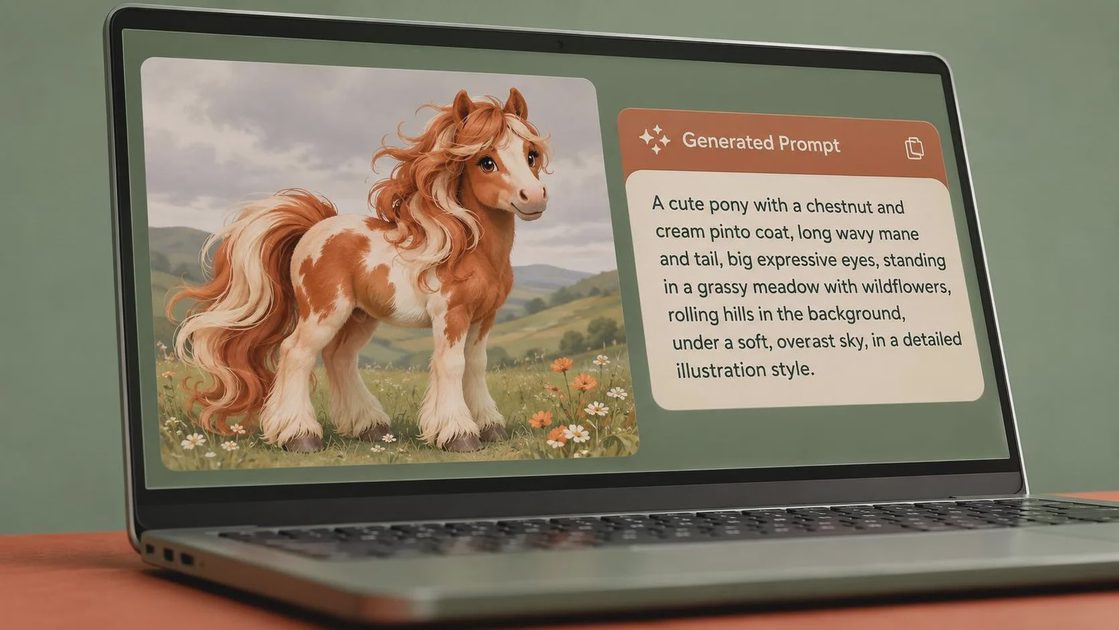
I run a small batch rather than judging one lucky image. For a first pass, generate four to eight images with the same seed or seed range where the tool supports it. Keep the model, aspect ratio, sampler, and resolution fixed. Change only one variable, such as removing a background tag or replacing a camera term.
For a character reference, compare face shape, hair, clothing, pose, and framing separately. For a product scene, compare object proportions, logo treatment, shadow direction, and usable copy space. A prompt that creates an attractive image but changes the package shape is not a success for an advertisement.
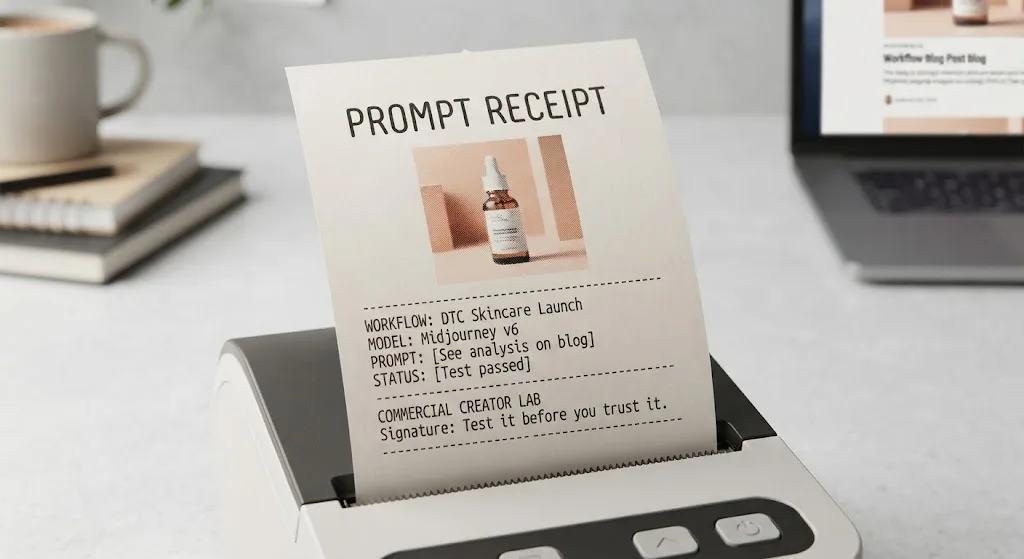
Save the raw tags, cleaned prompt, negative prompt if supported, model name, settings, and notes about each result. This creates a small internal test record. If a client asks for a second angle two weeks later, you are not rebuilding the workflow from memory.
A practical checklist before delivery
Before trusting a danbooru pony image to text prompt generator output, ask five questions. Is every important tag visible in the reference? Are uncertain character or brand labels removed? Does the prompt describe relationships, not just a pile of nouns? Has it been rewritten for the intended model? Does a batch of results meet the actual brief rather than merely look impressive?
Then inspect the generated images at the final delivery size. Hands, jewelry, text, logos, and small product details can look acceptable at thumbnail size and fail at 200 percent. If an image is for paid social, test the crop and safe text area. If it is for a storefront, check consistent angles across the full set.
The best result from a danbooru pony image to text prompt generator is not the longest prompt. It is a clean, documented starting point that preserves the visual facts you need and leaves uncertain guesses behind.
Final recommendation
Use the converter when you have a reference with clear visual structure and need a fast first draft. Do not use it as an authority on identity, ownership, anatomy, or intent. Extract, verify, group, rewrite, and test.
That workflow produced fewer dramatic failures in my own prompt experiments than blindly adding more tags. The demo looked great; the deliverable did not, until I started measuring the details that mattered. Test it before you trust it: useful is a higher bar than impressive.
For AI tool features, rules and availability, refer to their official sites.

Leave your thoughts here, too.