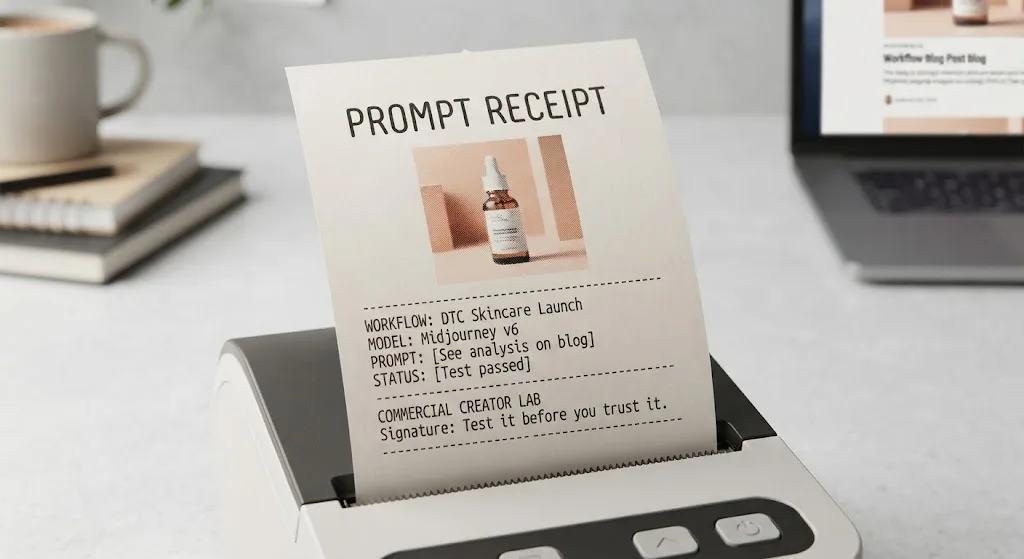

The short version: civitaiarchive can be useful when you are trying to locate an older AI image model, inspect a removed version, or understand how a workflow was built. It is not a substitute for testing files before you use them in production. I have spent enough evenings downloading a promising checkpoint only to discover a broken VAE, missing trigger words, or a license that did not fit a client brief. Test it before you trust it.
The term usually refers to an archive, mirror, or search resource connected to models and assets associated with Civitai. That distinction matters. Civitai is a platform where creators share Stable Diffusion-related checkpoints, LoRAs, embeddings, and other resources. An archive may preserve links, previews, metadata, or files, but it might not be the original publisher or an official service. Treat civitaiarchive as a starting point for research, not automatic proof that a download is current, authentic, or commercially safe.
What civitaiarchive may help you find
Creators usually search for civitaiarchive because a model page has changed, a version is difficult to locate, or an old workflow references an asset that no longer appears in a normal search. An archived page can sometimes reveal the model name, version number, preview image, base model, recommended settings, trigger words, and a link to related files. That information can save time when rebuilding a ComfyUI or AUTOMATIC1111 workflow.
The most useful details are often boring ones. Check whether the asset is a full checkpoint, a LoRA, a textual inversion embedding, or an auxiliary VAE. A checkpoint can act as the primary image model, while a LoRA generally needs to be loaded alongside a compatible base model. Confusing those categories is how a 2GB download becomes an afternoon of troubleshooting.
Metadata can also explain why an old image looked good. Look for sampler, steps, CFG scale, resolution, seed, prompt structure, and negative prompt. These settings do not guarantee the same result on a newer model, but they provide a reproducible starting point instead of guesswork.

How to verify an archived model before downloading
Start with identity. Compare the archived model name and version against references from the original creator, a known workflow, or a reputable community discussion. Watch for look-alike filenames that add words such as “fixed,” “final,” or “new” without a clear version history. A familiar thumbnail is not authentication; previews can be copied easily.
Next, inspect the file type and size. A LoRA commonly has a much smaller footprint than a full checkpoint, although size alone proves nothing. If a page describes a LoRA but offers a huge checkpoint, stop and investigate. Review the file extension, download host, checksum if one is available, and any release notes. Keep a simple text record containing the source URL, date accessed, filename, hash, and license. That record is invaluable when a client asks where an image asset came from six months later.
Scan downloads before opening them in a production environment. Use a separate folder or machine for unfamiliar files, keep your operating system and security tools updated, and avoid launching executable files from a model archive. Model files are not ordinary image attachments. The safest workflow is to download from a source you can evaluate, verify the file, and load it only in an isolated environment.
License checks are part of the creative workflow
A model that produces the right visual style can still be the wrong choice for paid advertising. Before using civitaiarchive to recover an asset, find the license associated with the specific version, not merely the model family. Look for commercial-use language, restrictions on selling outputs, attribution requirements, prohibited subjects, and rules about distributing fine-tuned versions.
Do not assume that an archived copy preserves the original license text. Save the license page or terms with your project notes, and record the exact version you tested. If the information is missing, use the model for private exploration rather than promising a client that the resulting campaign is cleared. This is especially important for brand work, packaging, paid social, and stock-style image libraries.
My practical rule is simple: if I cannot explain the asset’s source and license in two minutes, it does not enter a deliverable pipeline. I can still use a questionable reference image to study composition or lighting, but I do not build a paid campaign around an unclear dependency.
Rebuilding an old workflow without copying its mistakes
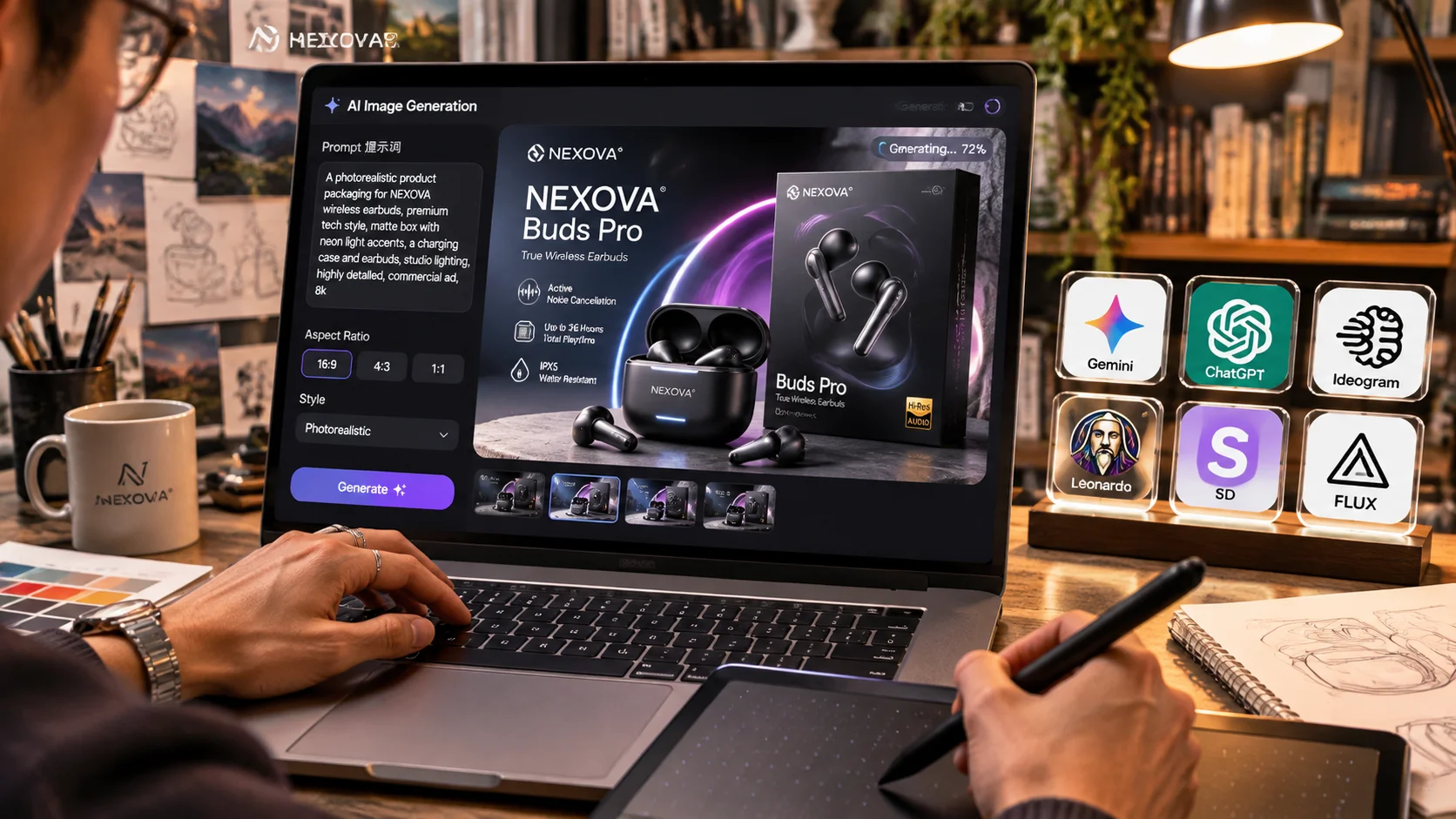
Suppose civitaiarchive leads you to a model used in an older product-image workflow. Recreate the test with a neutral prompt, one fixed seed, and a small batch of four images. Keep the resolution modest at first, perhaps 768 pixels on the long edge for a quick comparison. Record the sampler, steps, CFG, LoRA weight, and VAE choice. Change one variable at a time.
Then run a brief commercial test: a centered product shot, a three-quarter angle, a version with clean negative space for copy, and a close detail crop. Inspect logos, edges, hands, packaging text, reflections, and repeated objects. The demo may look polished while the deliverable fails in exactly the places a client notices. I once treated a beautiful preview as evidence of reliability and got warped labels across nearly every generation. The model was not the only thing I got wrong; I had skipped the batch test.
Compare the recovered asset with a current alternative such as a newer Flux workflow, a maintained Stable Diffusion checkpoint, or a carefully configured Midjourney process. The goal is not historical accuracy. The goal is the least expensive path to a usable image with predictable revisions.
A simple research checklist for creators
When using civitaiarchive, begin by writing down the job the model must perform. “Make cool images” is not a test. “Create four square skincare concepts with an empty upper-right corner for headline text” is testable. Define the output size, brand restrictions, delivery deadline, and acceptable retouching time.
Search for the original creator and model version. Compare metadata across at least two references when possible. Confirm the file category, base-model compatibility, trigger words, and license. Download only after checking the host and file details. Run a four-image batch using a fixed seed, then test two or three controlled variations. Save both successful and failed outputs.
Finally, calculate the real cost. A free model that takes three hours to debug is not free when your working rate is $75 per hour. A $10 monthly tool that produces a usable concept in 20 minutes can be the better commercial choice, even if the recovered model has a more impressive gallery. Useful is a higher bar than impressive.
When to skip an archive entirely
Skip civitaiarchive when the source cannot be identified, the download has no verifiable file information, the license is absent, or the asset requires an outdated setup that you cannot isolate. Also skip it when the client needs a defensible production trail and a maintained tool can meet the brief with less risk.
Archives are valuable for research, preservation, and workflow archaeology. They are less valuable when they encourage blind downloading or make an uncertain asset look official. Use the recovered metadata to understand the image, then prove the model under your own constraints. Here is what survived the brief: a small, documented test batch, clear licensing notes, and a fallback workflow you can run when the old setup breaks. That approach makes civitaiarchive useful without letting it make the production decision for you.
For AI tool features, rules and availability, refer to their official sites.

Leave your thoughts here, too.